Choose your source image
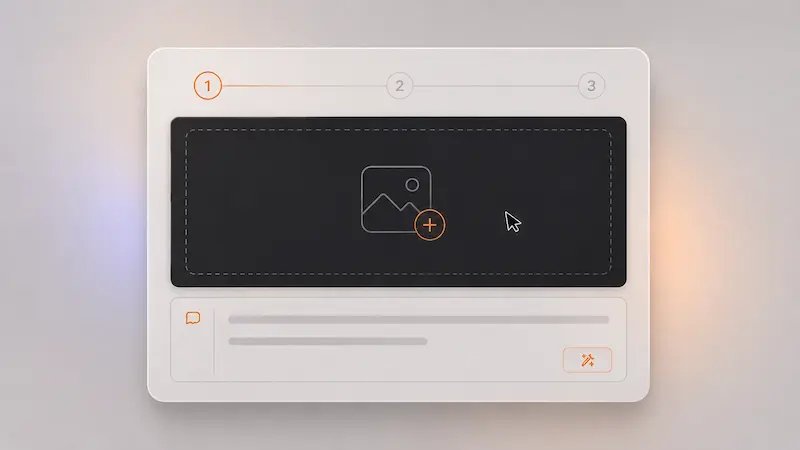
Upload the image you want to improve, restyle, or adapt for a new use case. A clean starting image gives the image to image model more to preserve, which helps the final image to image result feel more stable and useful.
Quick select
These are concrete, visual-first image to image workflows where image to image AI feels faster and easier than rebuilding from zero.
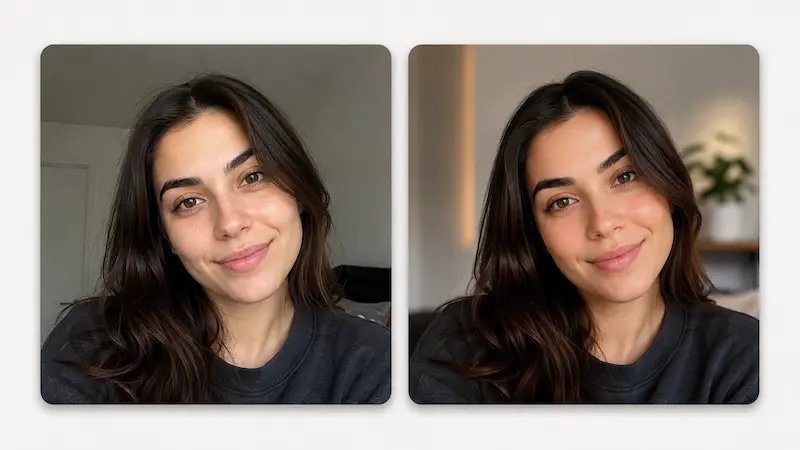
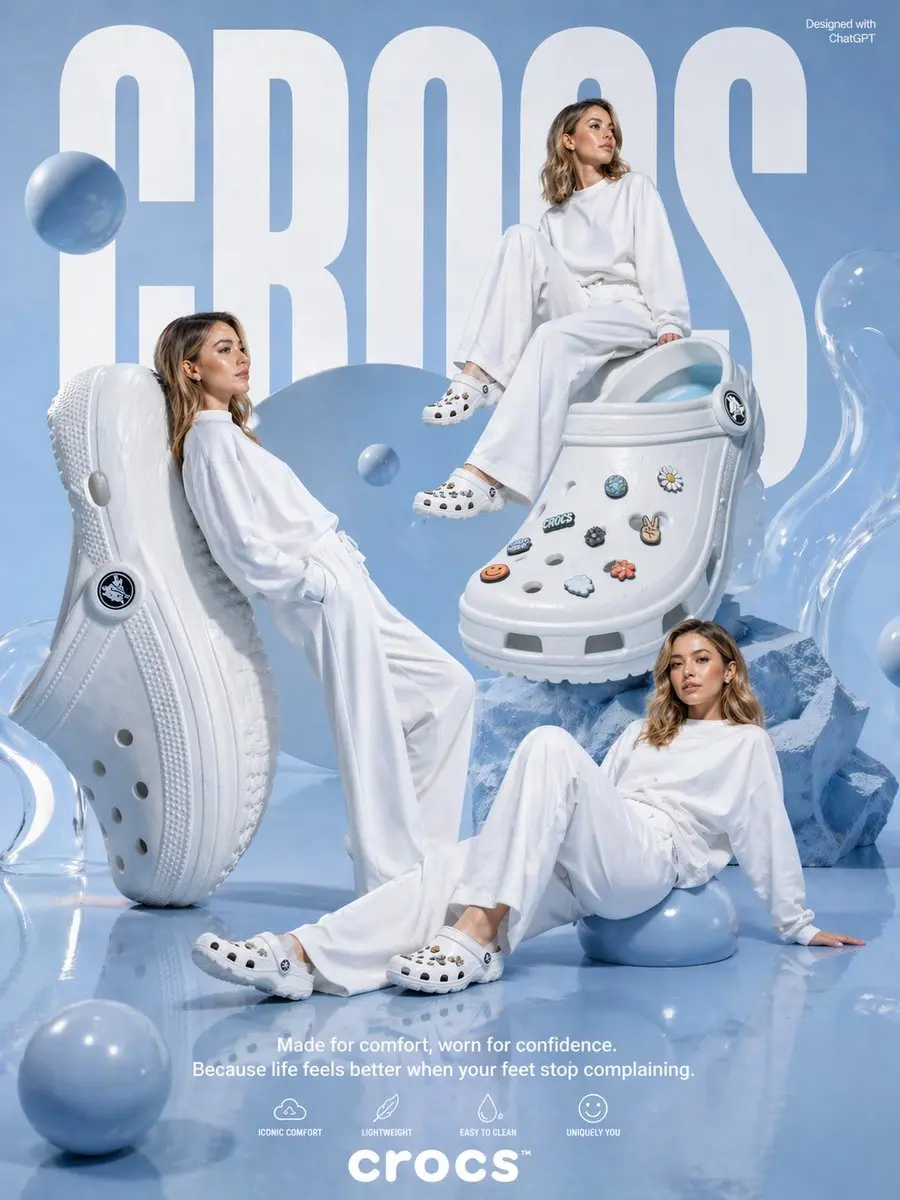
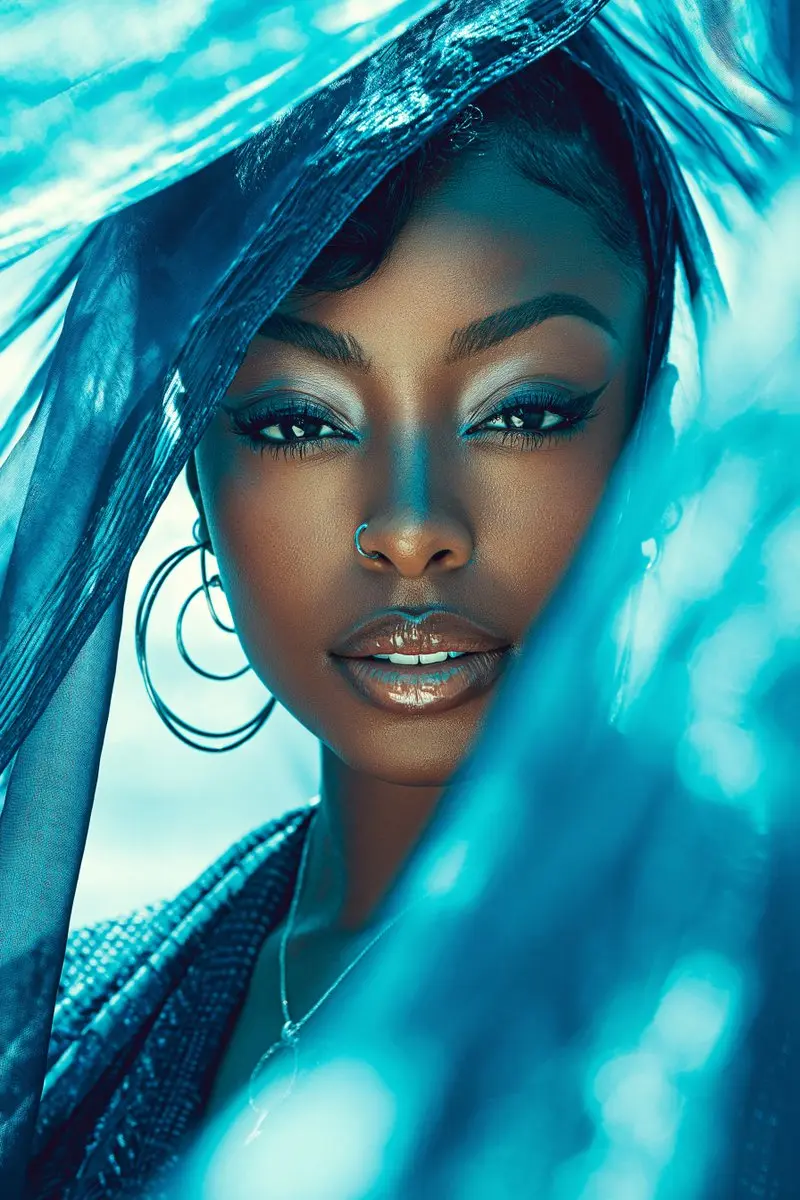
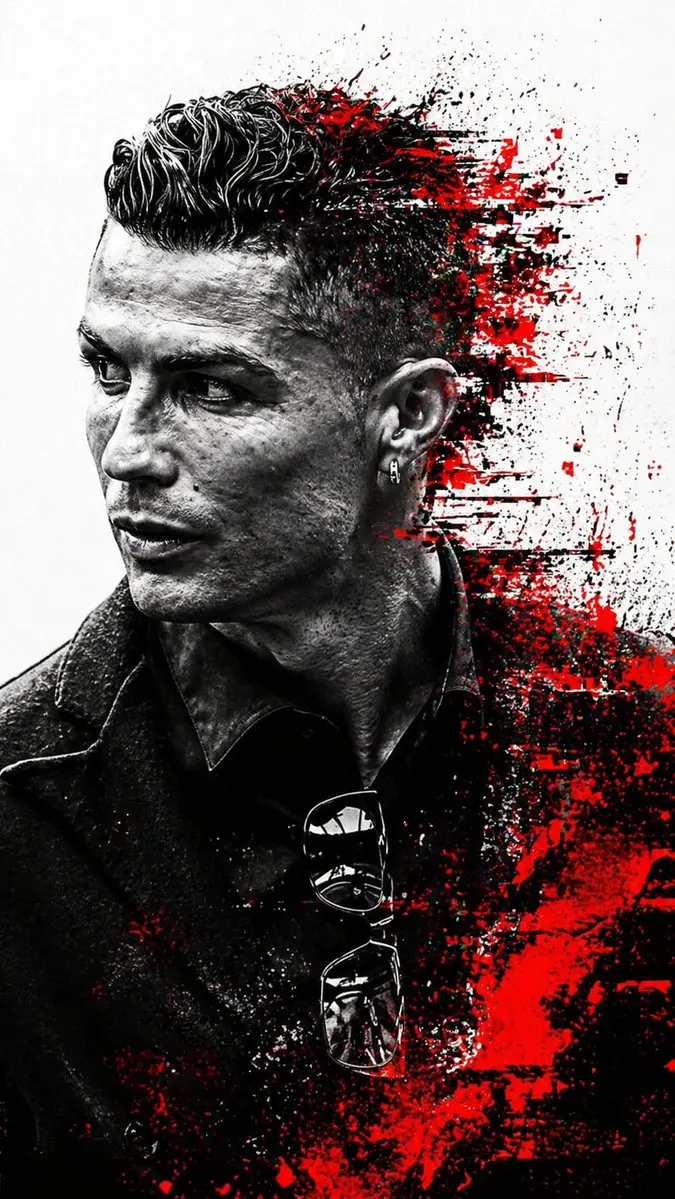
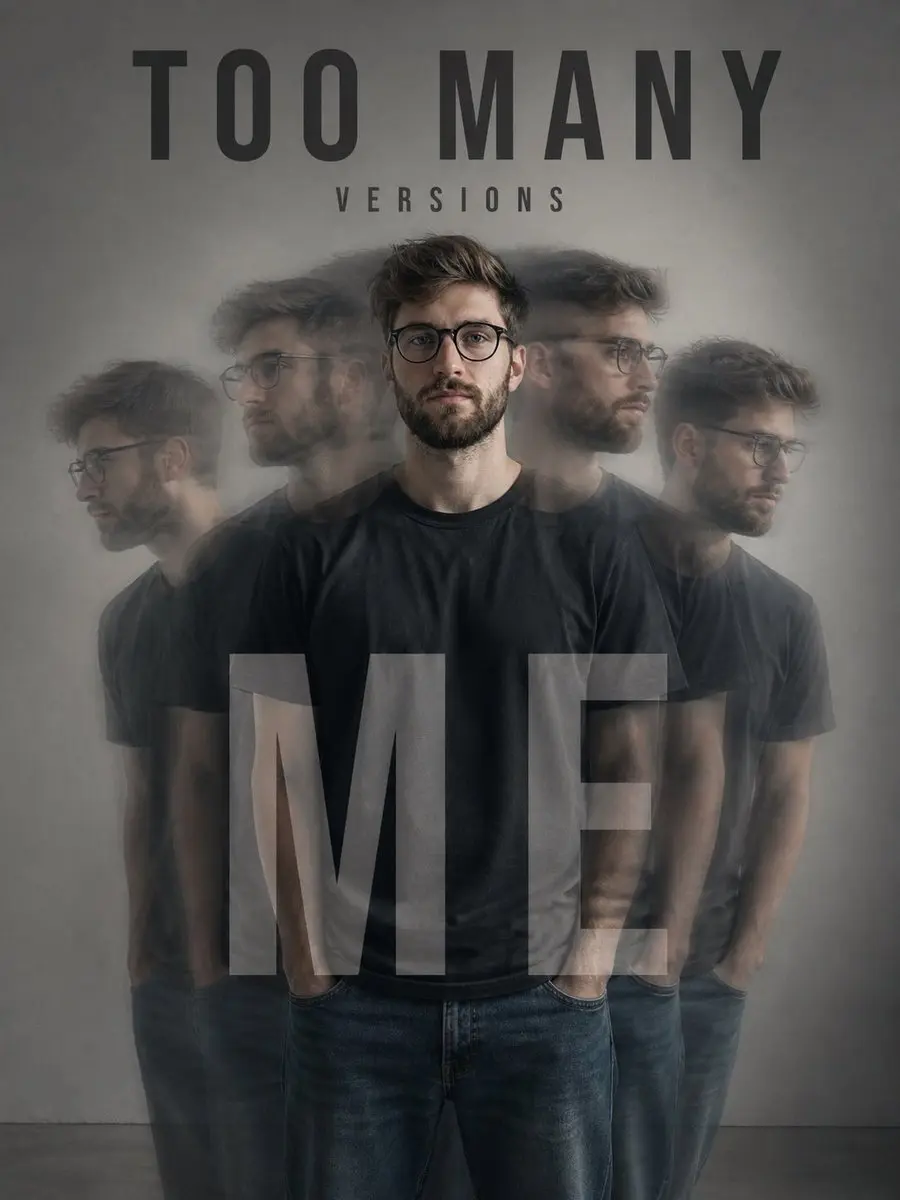
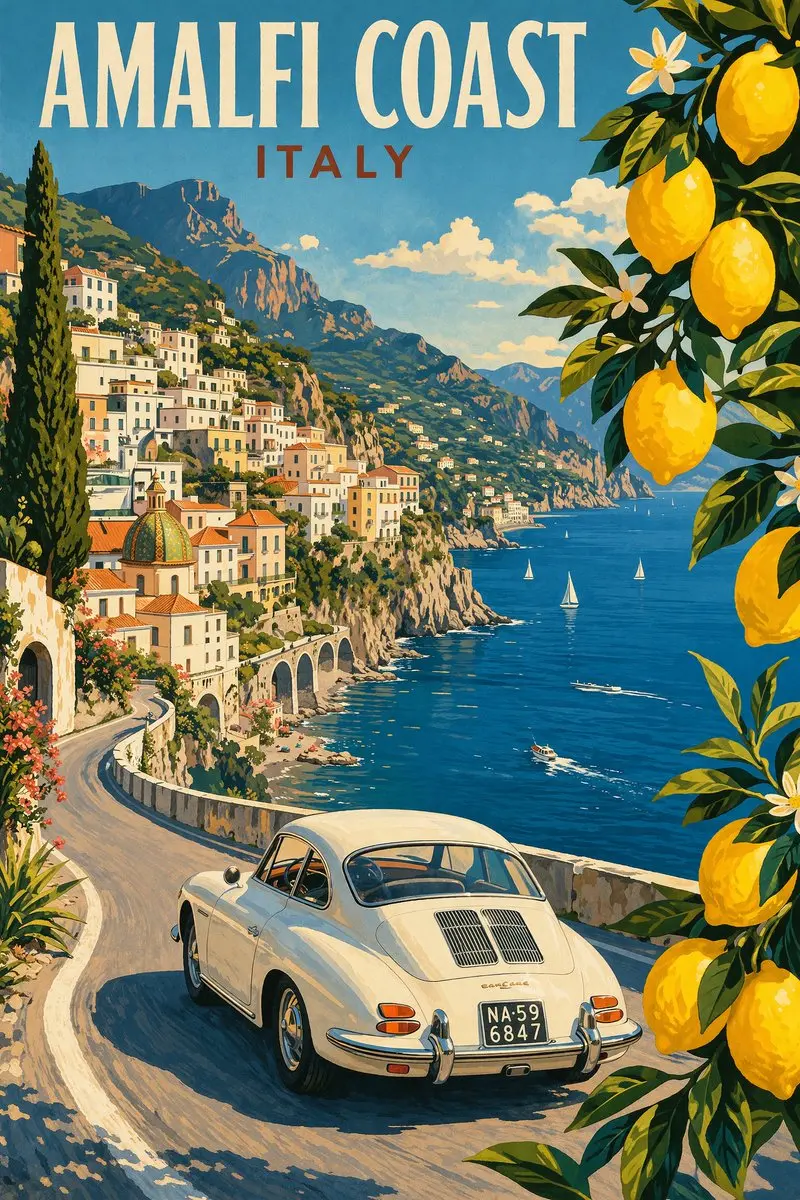
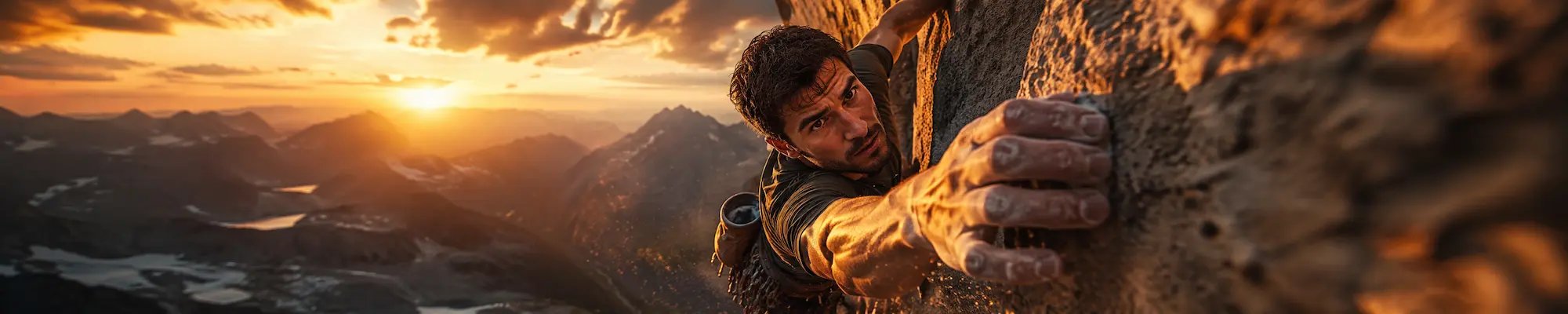
Keep the same subject, pose, and overall identity, then use image to image to move the visual into a new style, mood, or setting for social content, covers, or creative concepts.
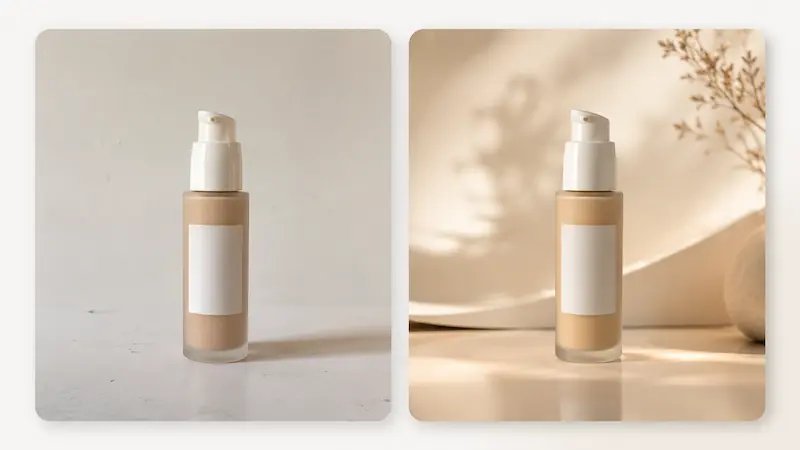
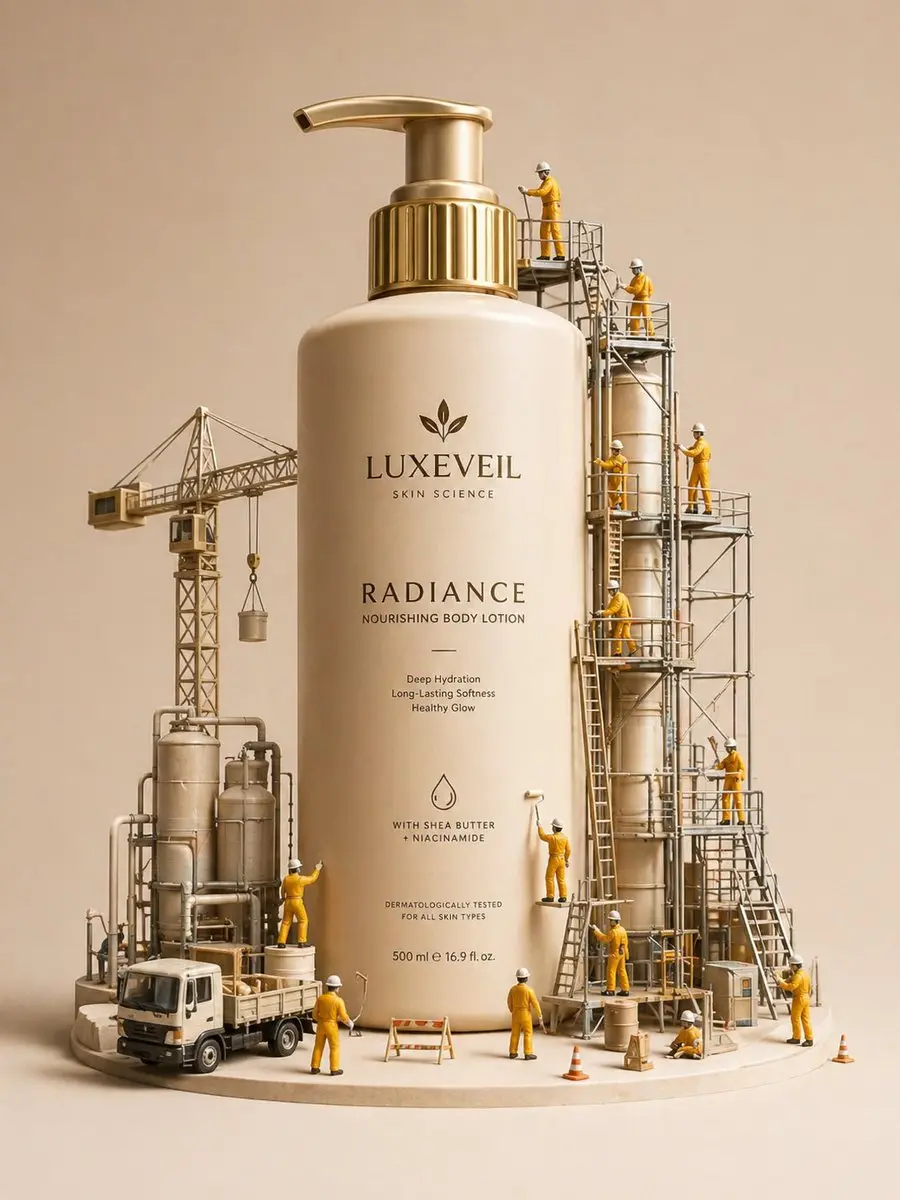
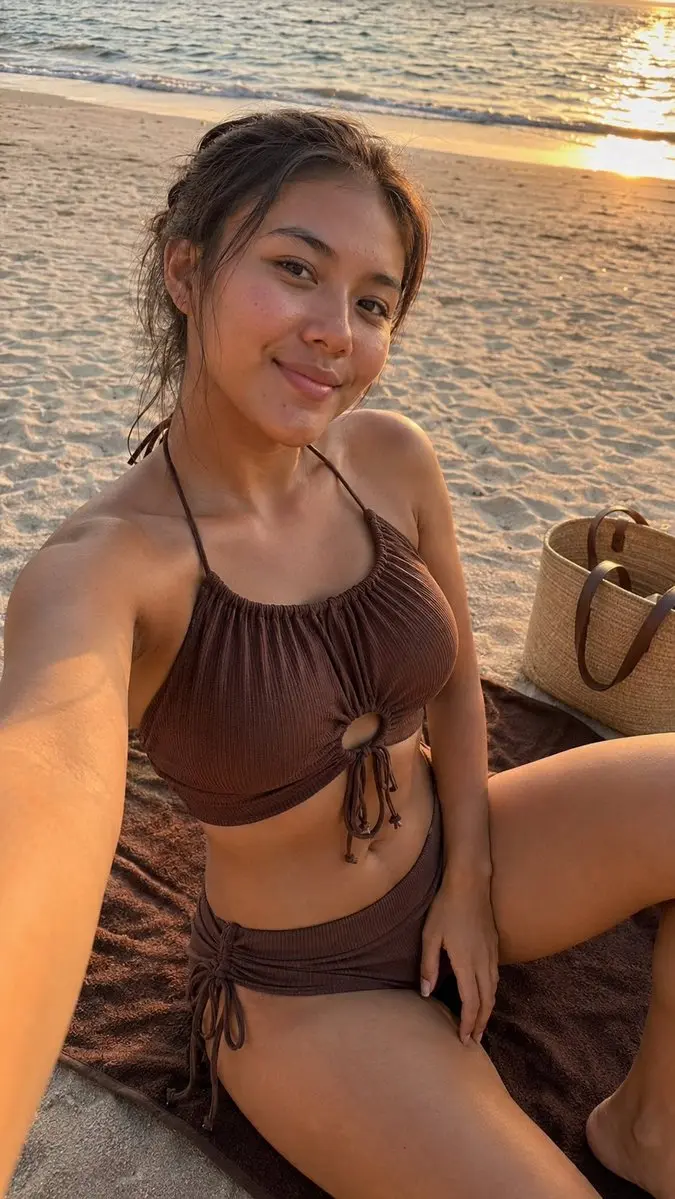
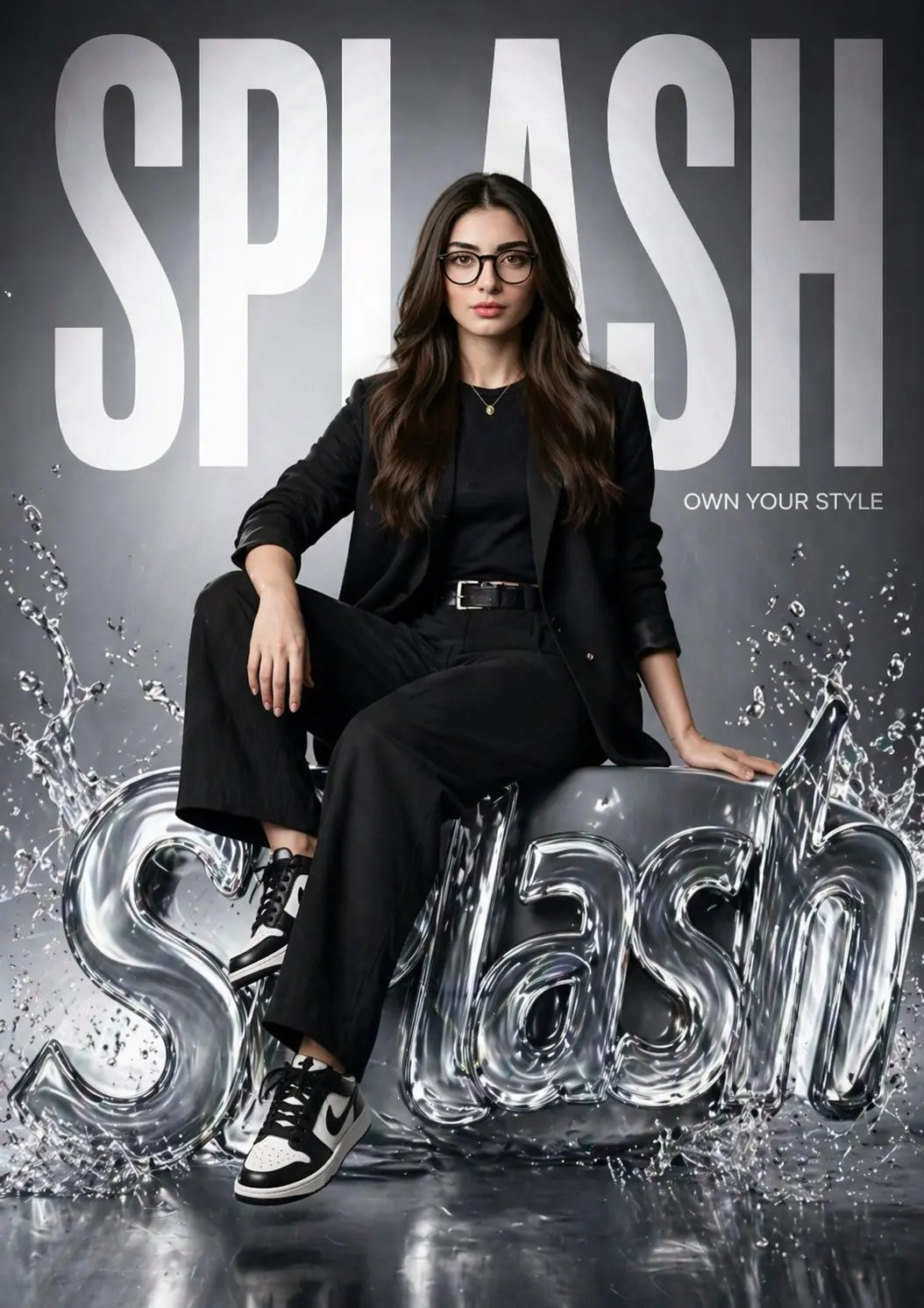
Upload a product or portrait image and ask image to image AI for a studio, lifestyle, seasonal, or campaign-ready background while the main subject stays centered and usable.
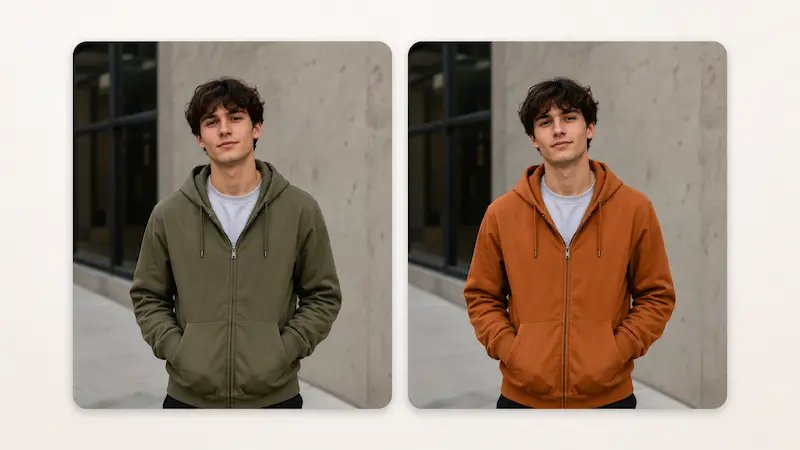
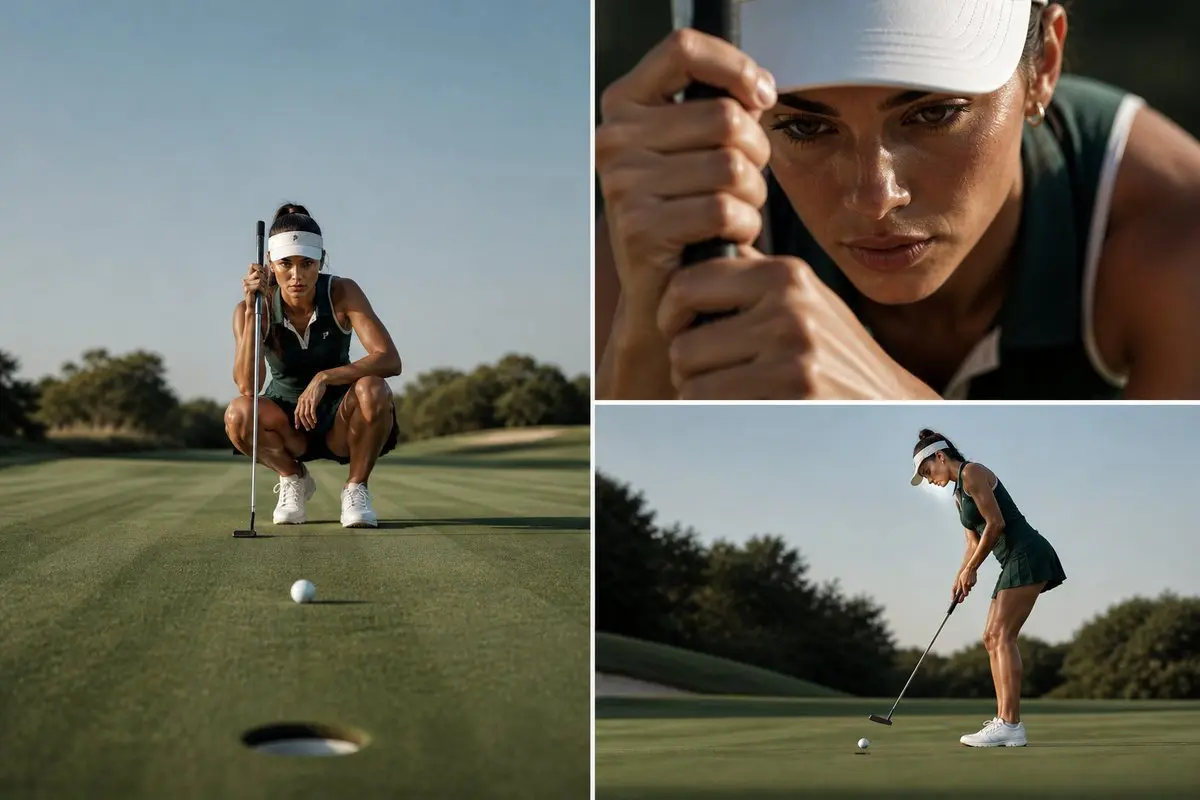
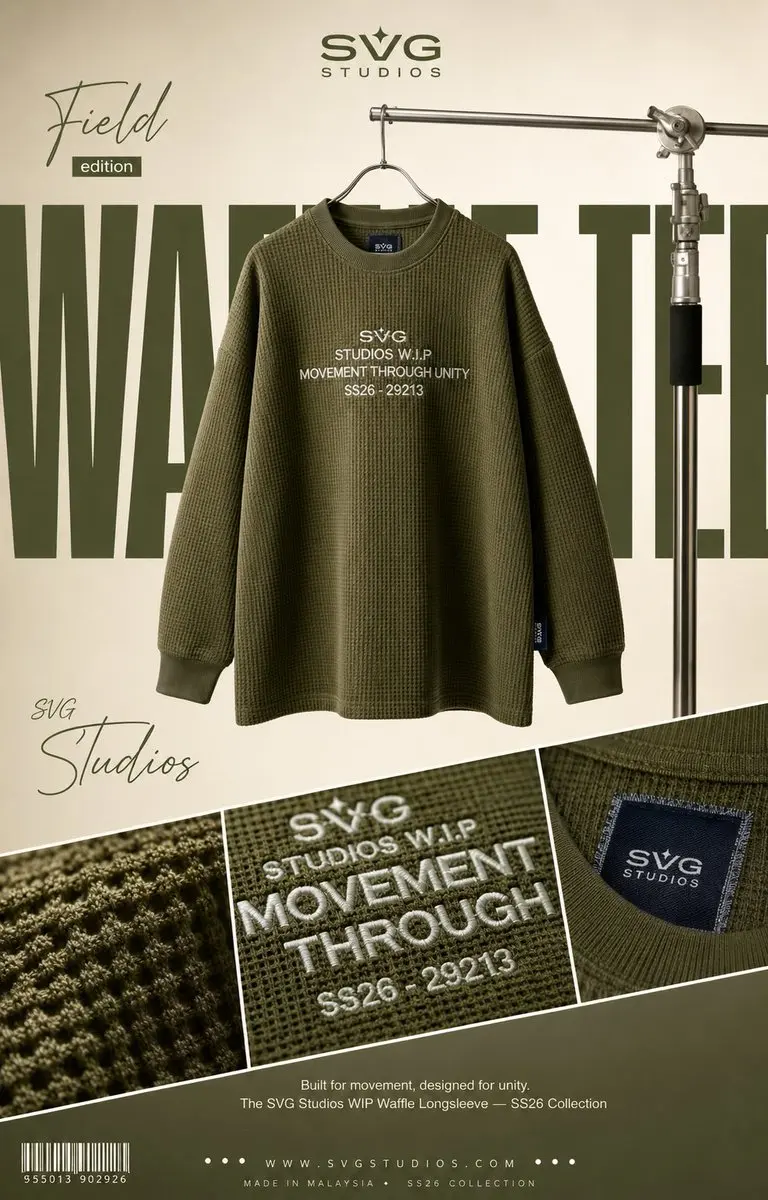
Change a jacket color, fix an object, clean a label, or refine one area of the frame when most of the original image is already working. This is where image to image feels especially efficient.
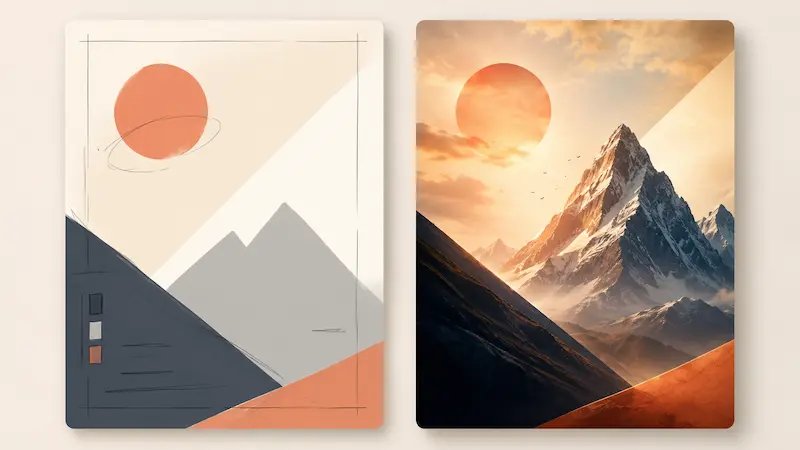
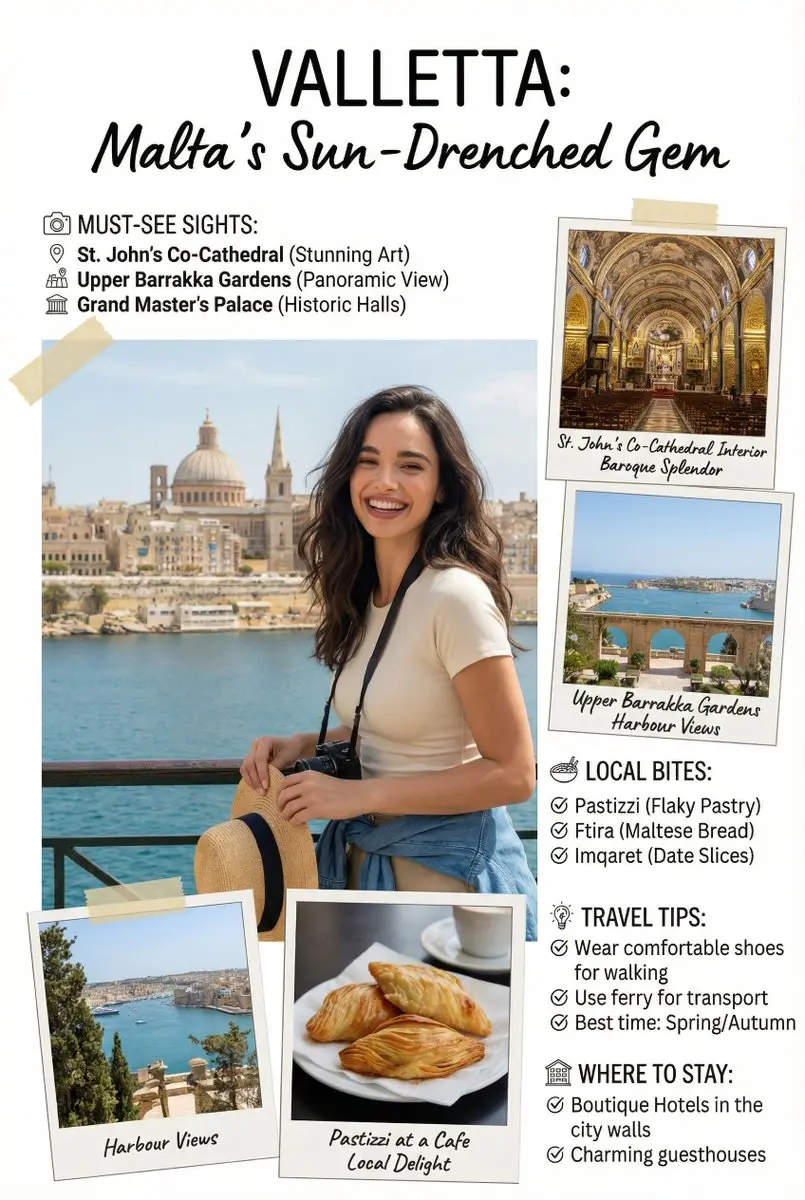
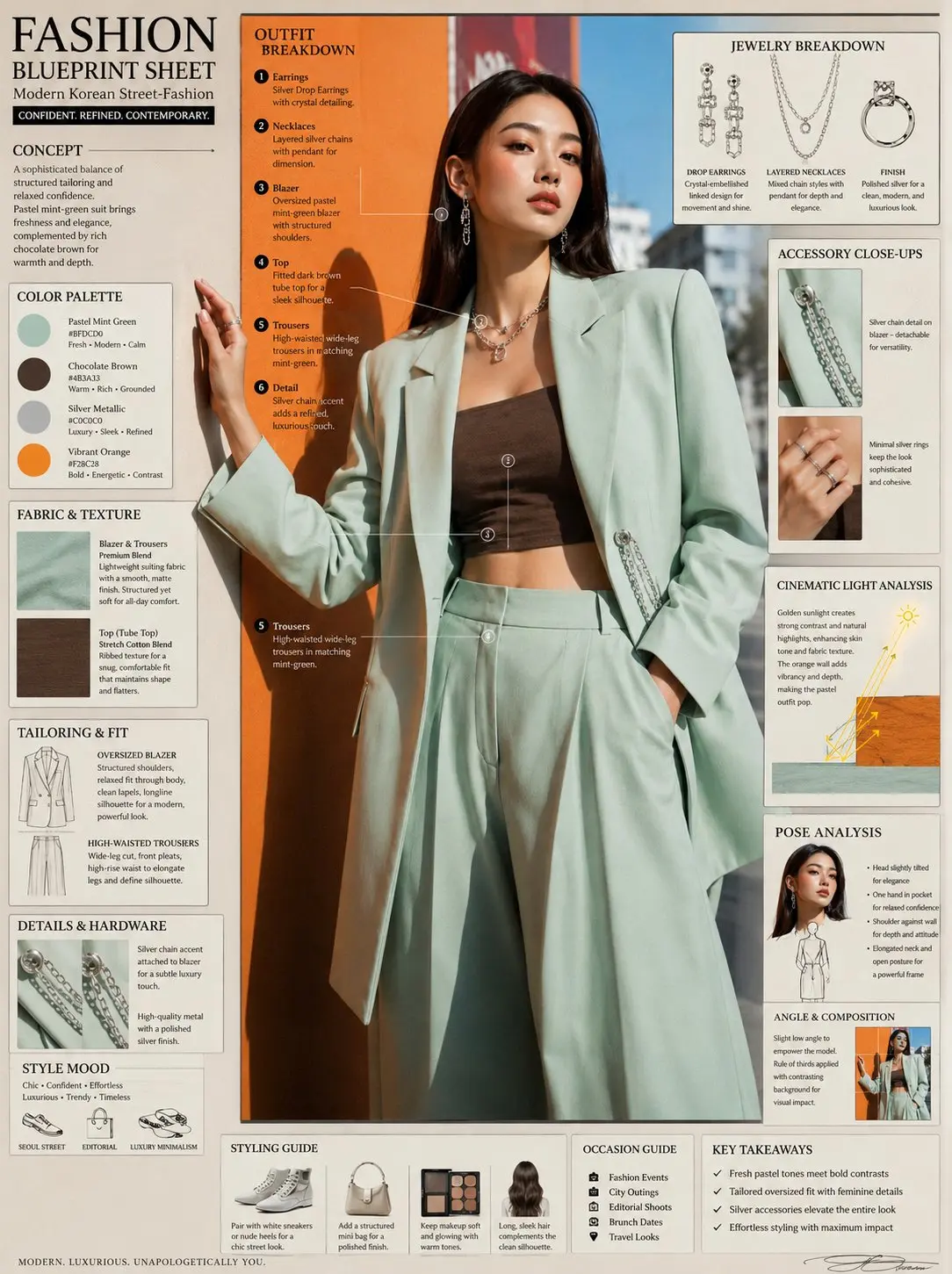
Start from a sketch, mockup, or flat draft and use image to image to turn it into a cleaner visual for a landing page, poster, thumbnail, or internal concept review.
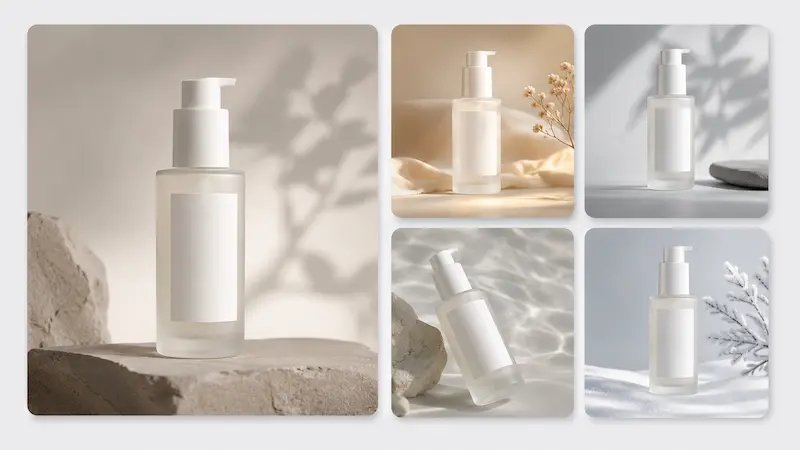
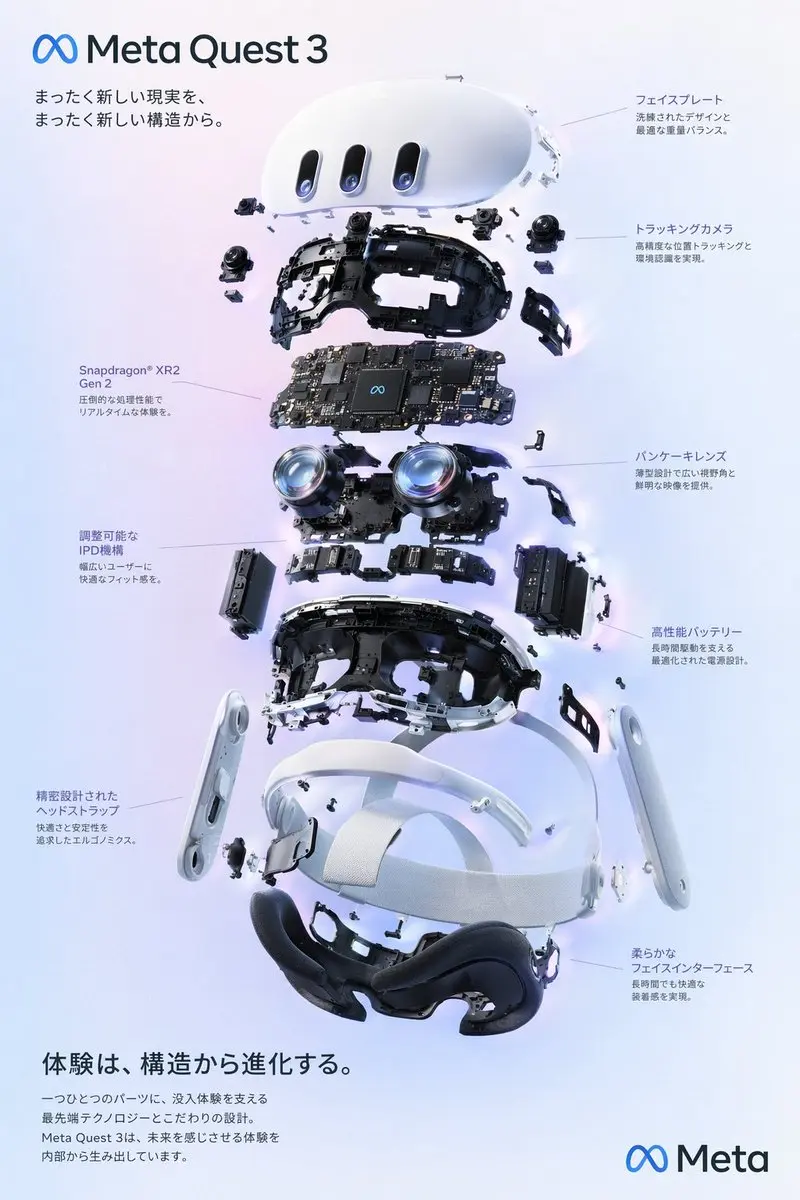
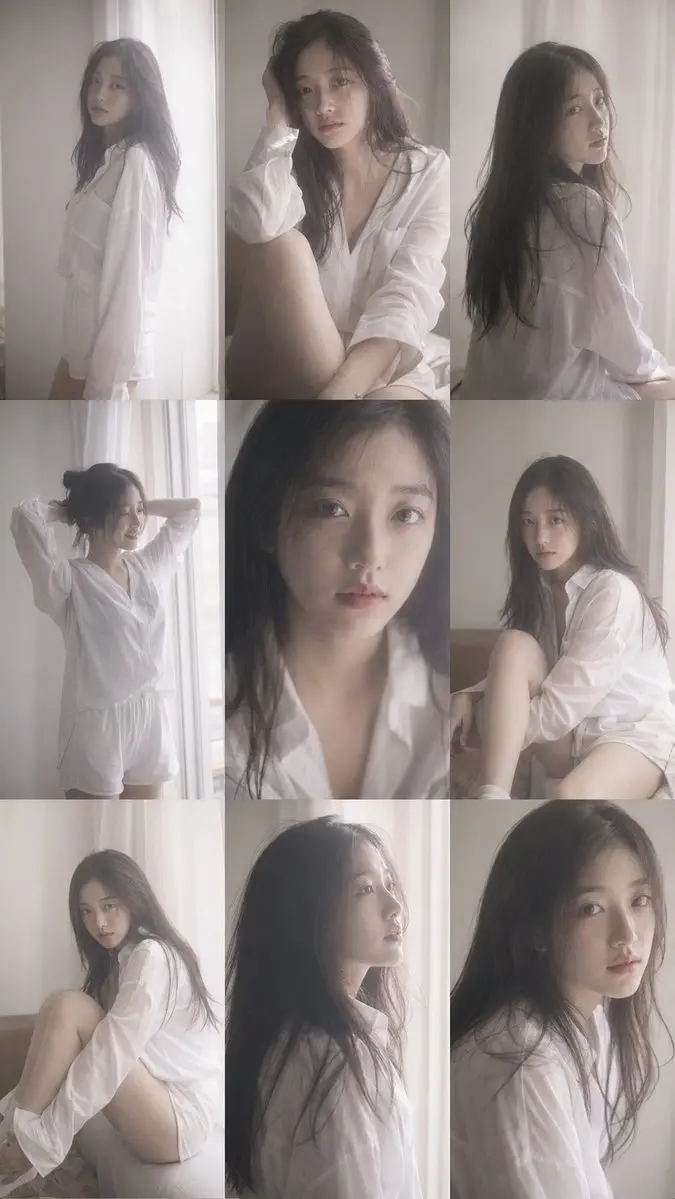
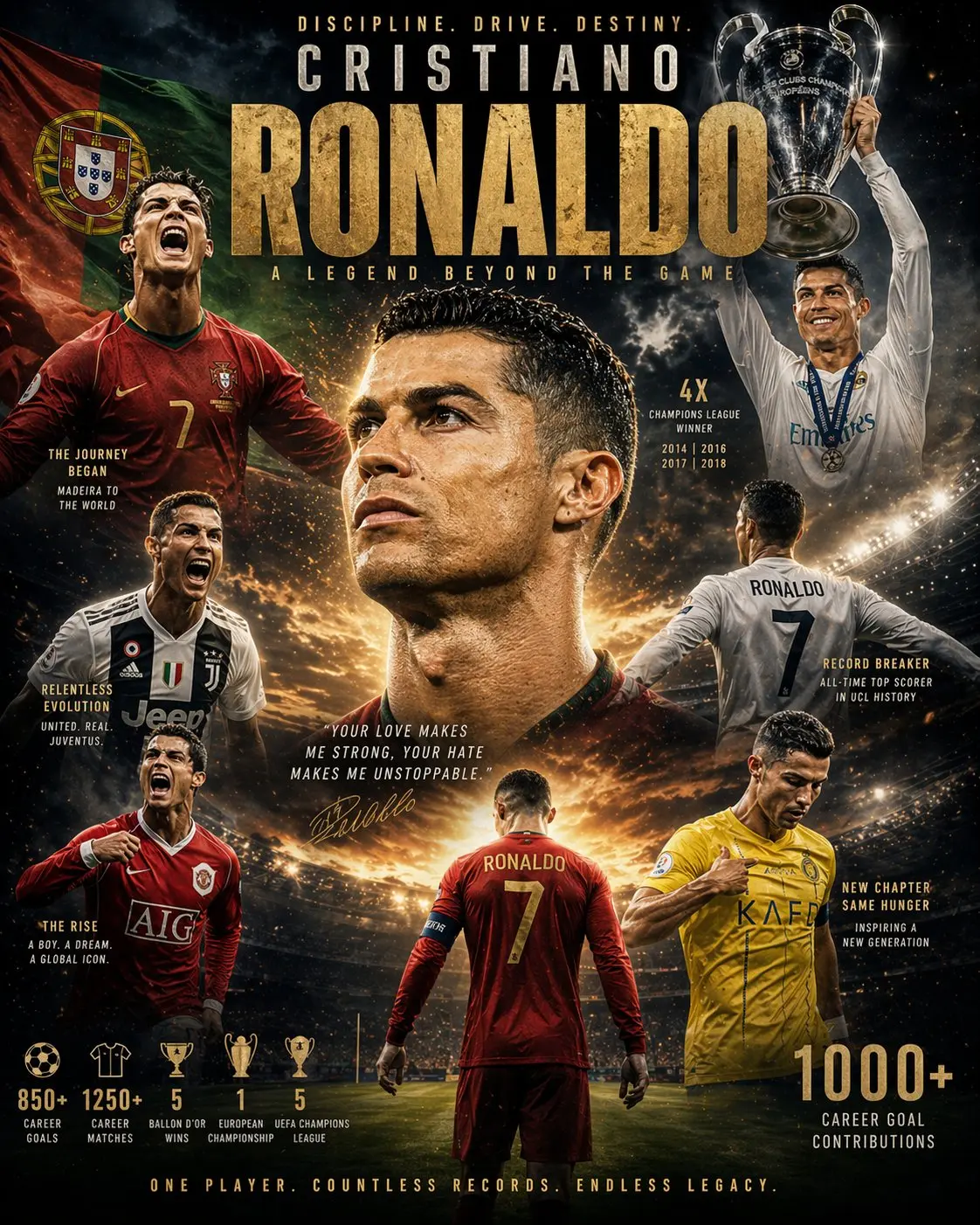
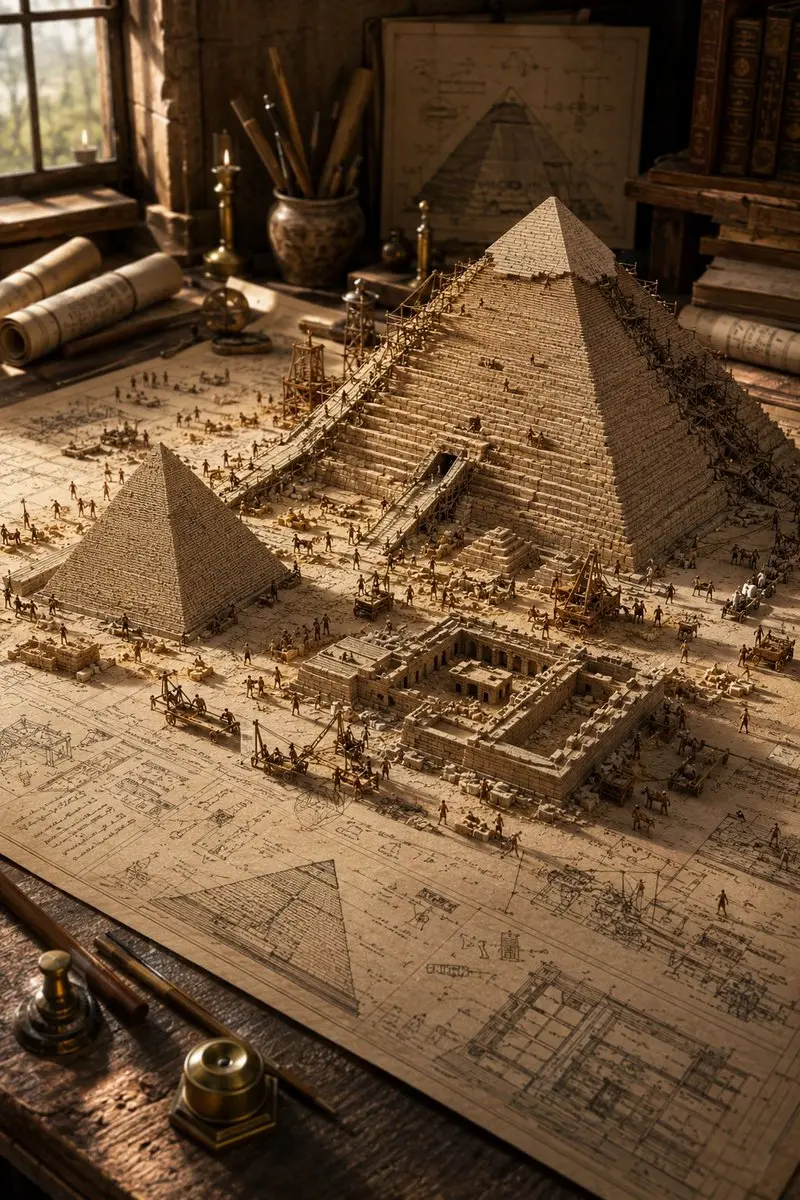
Create a coordinated set of image to image outputs that keep the same subject, tone, or composition direction when you need several assets for one campaign.
These are the everyday image to image capabilities people look for when they want more control without complex software.
Change the mood, visual style, lighting direction, or overall finish while still starting from a real image you chose. Image to image helps you keep the original direction while improving the final feel.
Use image to image AI to move a portrait, product, or object into a cleaner scene without rebuilding the whole composition. This makes image to image especially useful for e-commerce, ads, and social content.
Update one area, like clothing color, a text block, or a distracting object, while the rest of the picture stays close to the original. That is one of the most practical image to image use cases.
Generate coordinated image to image versions from one starting image when you need several campaign assets, thumbnails, or social formats that still feel consistent.
Turn a sketch, mockup, or first-pass visual into something cleaner and more presentation-ready. Image to image AI is a fast way to move from rough idea to usable visual.
Upload, describe the change, compare results, and export. The image to image process stays approachable, fast, and friendly even for non-designers.
This is the low-friction way to turn one draft into a stronger result with image to image AI.
Upload the image you want to improve, restyle, or adapt for a new use case. A clean starting image gives the image to image model more to preserve, which helps the final image to image result feel more stable and useful.
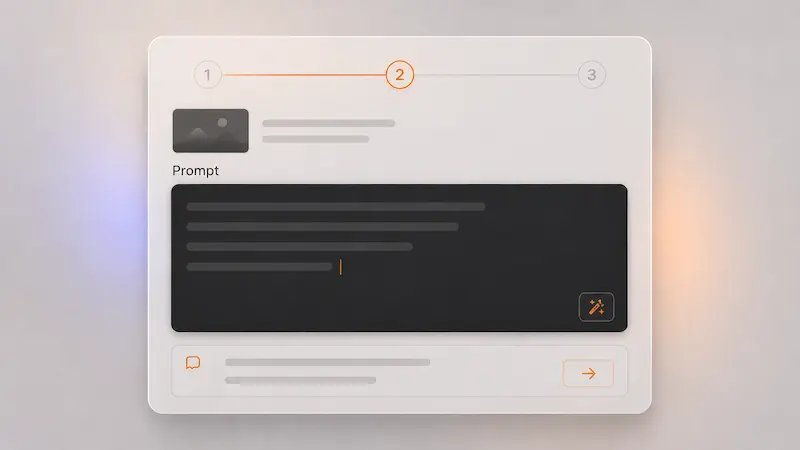
Say what must remain stable and what should change. For example: keep the product angle, replace the background, add a softer mood, or update the jacket color. This is where image to image AI becomes much more practical than starting from text alone.
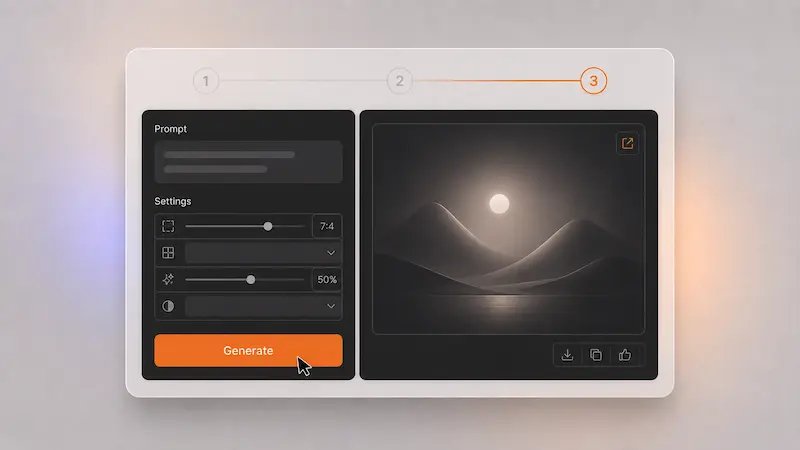
Review the image to image outputs, keep the one that matches your goal, and export it for social posts, posters, product pages, presentations, or creative drafts.
People use image to image AI when they already have a draft and need a faster path to a better version.
E-commerce Seller
Social Media Manager
Homeowner
Freelance Designer
Content Marketer
Small Business Owner
Short answers about editing photos and graphics with a starting image.
Image to image AI starts from a picture you upload, then transforms or refines it based on your instructions. Image to image is useful when you already have a visual direction and want to improve, restyle, or adapt it instead of starting from a blank page.
Text to image begins from words only. Image to image begins from an existing visual, which makes image to image better for preserving a subject, layout, or overall composition while changing selected parts.
Most people start image to image editing with portraits, product shots, room photos, posters, sketches, mockups, or earlier AI generations. A clean source image usually gives you more controllable image to image results.
Yes. Image to image AI is often used for targeted updates like replacing a background, changing clothing color, removing one distracting object, or refining lighting in a specific area.
It can help preserve the main subject better than starting over from text alone, especially when you clearly say what should stay unchanged and what should be edited in the image to image prompt.
People use image to image for restyling portraits, refreshing product photos, creating poster variations, testing room makeovers, polishing rough drafts, and building matching assets for campaigns or social posts.
Yes. You do not need professional design software to get started with image to image AI. Upload one image, describe the change in plain English, compare the outputs, and keep the version you like best.
Yes. You can start free, test a few image to image edits, and see how the workflow fits your projects before deciding if you need more usage.
Start free, then scale when you are shipping more work.
Free
$9.90/month
200 credits/month
60 days cloud storage
Secure processing
High-quality image generation
Priority support
Private generation
Commercial use
No hidden fees • Cancel anytime
Creator
$24.90/month
500 credits/month
90 days cloud storage
Secure processing
High-quality image generation
Priority support
Private generation
Commercial use
No hidden fees • Cancel anytime
Studio
$79.90/month
1700 credits/month
120 days cloud storage
Secure processing
High-quality image generation
Priority support
Private generation
Commercial use
No hidden fees • Cancel anytime
Upload a photo, draft, or product shot and use image to image AI to restyle it, refine it, or turn it into new variations you can actually use.
No credit card required