
Start with a prompt or an image
Choose text-to-image when you want a fresh concept, or upload an existing image when you want Nano Banana to restyle, improve, or expand something you already have.
These are the visual-first strengths that make Nano Banana useful for everyday creation, editing, and publishing.
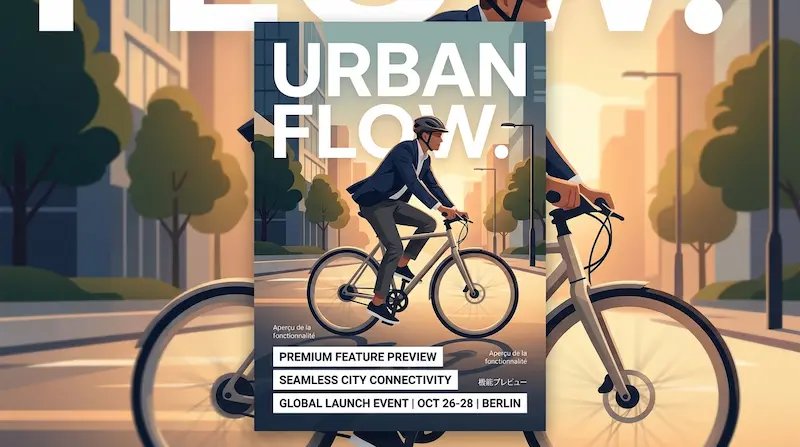
Create event posters, menu cards, sale graphics, story covers, and social visuals with headlines, labels, and multilingual text that stay cleaner and easier to read inside the image itself.
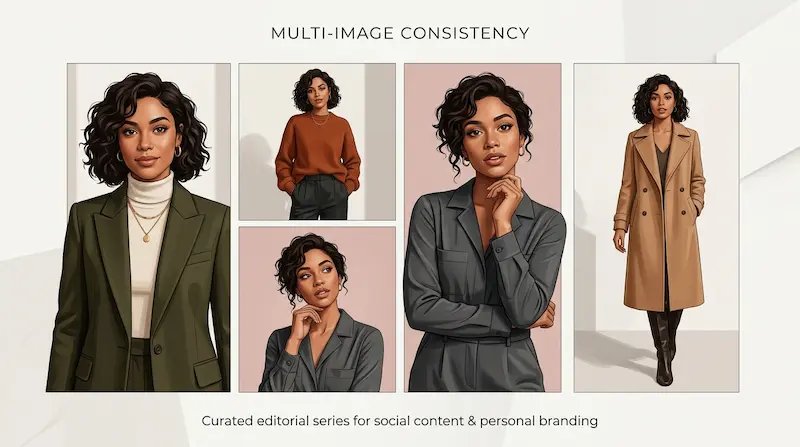
Generate a set of product visuals, brand cards, or social slides that keep the same layout and visual direction, so a multi-image series feels intentional instead of inconsistent.
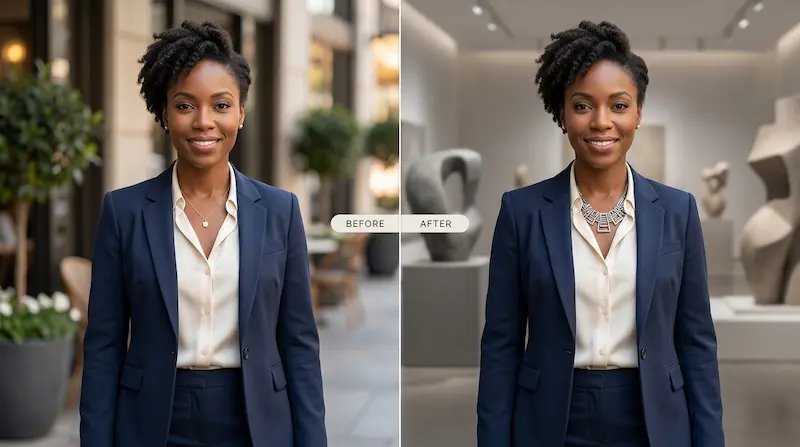
Replace a background, swap an object, update product details, or clean up one visual element while the rest of the photo or artwork stays coherent.
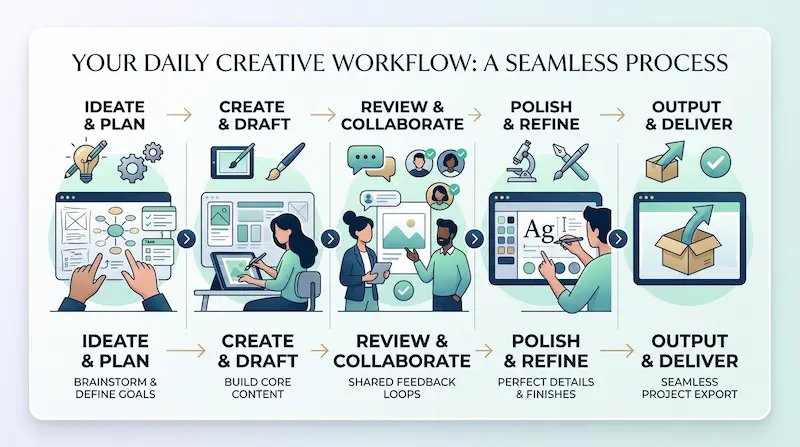
Make structured visuals with icons, labels, and scene details that work well for simple infographics, how-to graphics, study notes, and product education content.
Follow these quick steps to create a polished image, fix specific details, and export something you can actually post, share, or publish.
Choose text-to-image when you want a fresh concept, or upload an existing image when you want Nano Banana to restyle, improve, or expand something you already have.
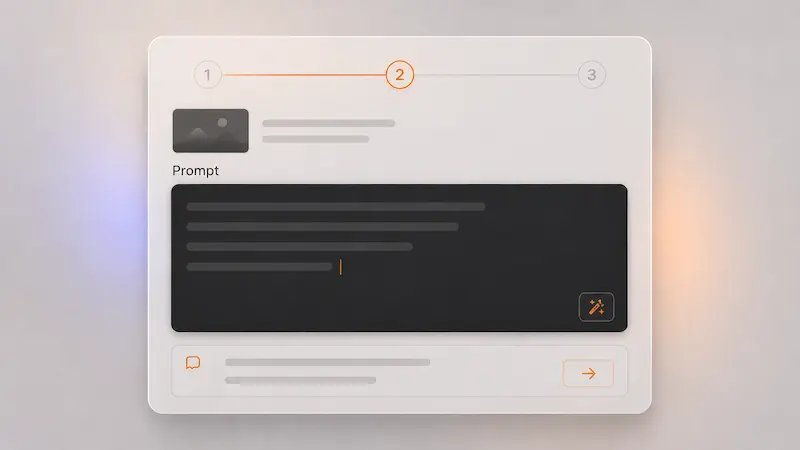
Tell Nano Banana about the subject, mood, layout, style, and any words you want inside the image. Mention labels, headline text, menus, or infographic elements when readability matters.
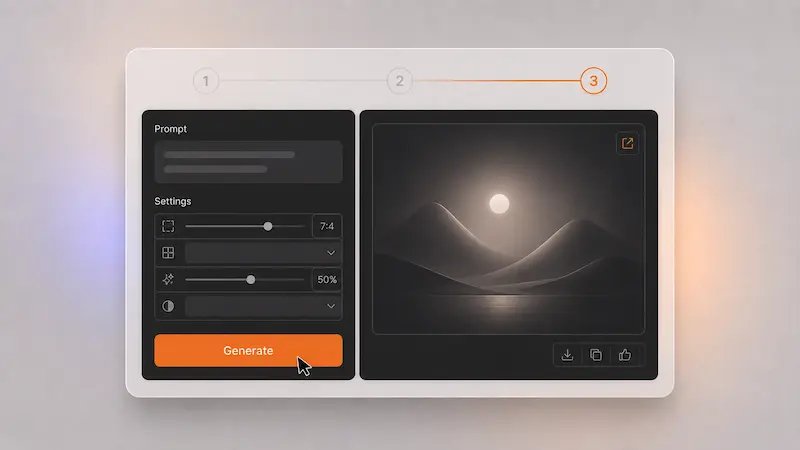
Pick the strongest version, then use Nano Banana to improve only the weak spots, such as the background, one object, or a text block, before exporting the final image.
Quick answers to help you get started
Nano Banana is an AI model for image generation and image editing. You can use it to create a new image from a prompt, edit an existing one, or refine a specific area without remaking the whole picture.
Nano Banana stands out for clearer text inside images, more precise local editing, better consistency across related outputs, and support for more structured visuals such as posters, diagrams, and infographic-style graphics.
Yes. Nano Banana supports image-to-image workflows, so you can upload an image and ask for targeted changes like a new background, updated text, different colors, altered objects, or a refined composition.
Nano Banana works well for social media visuals, posters, product graphics, tutorial cards, concept art, explainers, diagrams, and infographic-style images where clarity matters.
Yes. One of the key strengths of Nano Banana is producing clearer text inside visuals, including multilingual text, which helps with posters, menus, labels, titles, and informational graphics.
Yes. Nano Banana can keep layouts, mood, and overall visual direction more consistent across related images, which is useful for social carousels, campaign sets, and repeat content formats.
Yes. Nano Banana works well for beginners because you can start with a simple prompt, compare several options quickly, and edit only the weak spots without needing advanced design tools.
Yes. Many people use Nano Banana for social visuals, product content, ads, and business graphics. Check your current plan for the exact commercial usage terms.
Use Nano Banana to generate images, edit photos and graphics, and turn rough ideas into cleaner visuals for social posts, product content, explainers, and everyday creative projects.
No credit card required