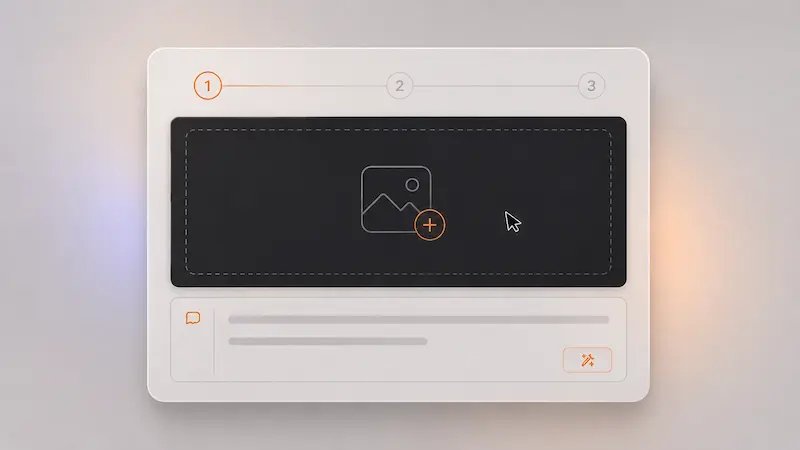
Choose the image you want to edit
Upload a product photo, social post image, ad creative, room shot, poster, or design draft that already has a good base. The AI image editor helps you improve what is there instead of forcing you to start over.
This AI image editor focuses on practical edits that help you improve real images faster, with less friction and more control over the parts users actually care about.
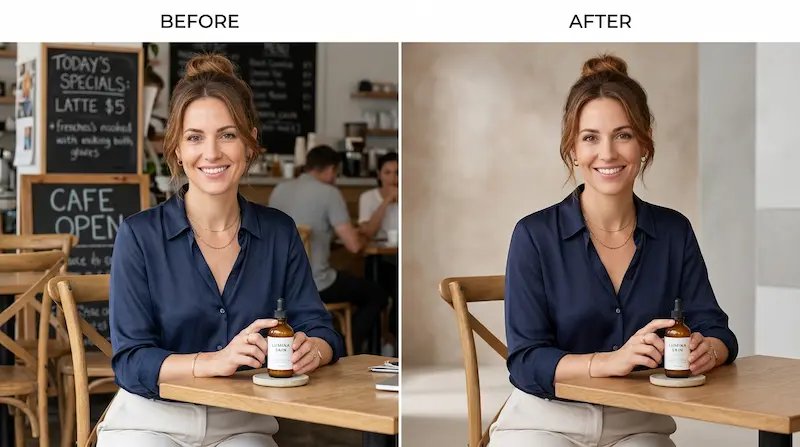
Use this AI image editor to swap a messy, distracting, or off-brand background for something cleaner and more useful. It is a simple way to make images feel more polished without starting from zero.
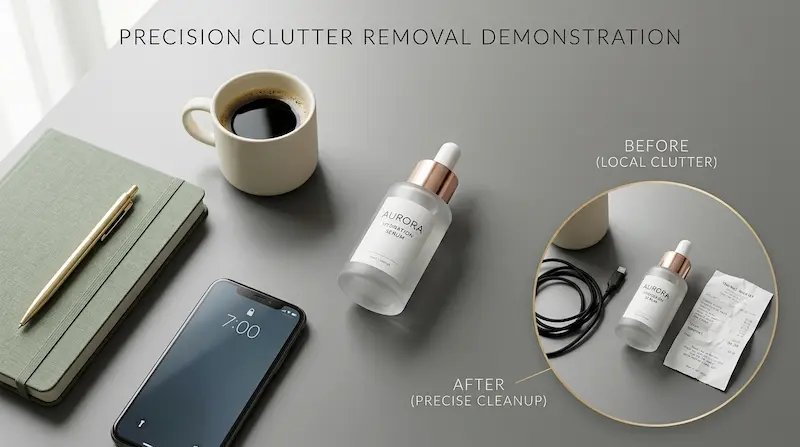
This AI image editor helps you clean up unwanted objects, clutter, or small details that pull attention away from the main subject. That makes your image easier to use and easier to trust.

A useful AI image editor should help you adapt one image for different moods, seasons, audiences, or brand directions. That gives you more ways to reuse strong visuals without repeating the full creative process.
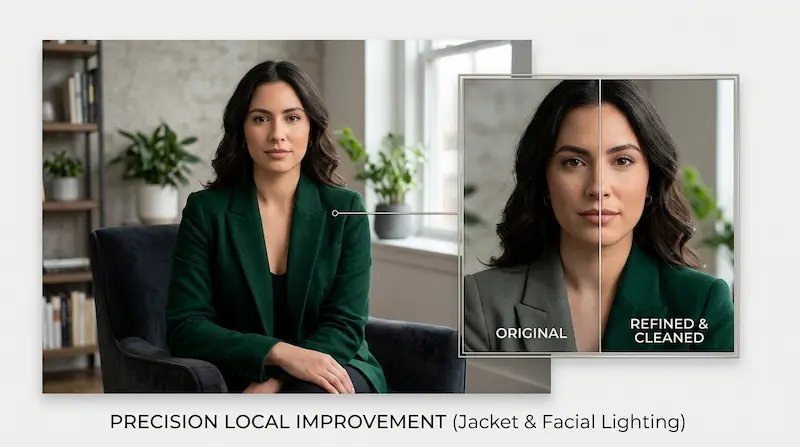
This AI image editor makes it easier to fix one part of an image without losing the composition you already like. Update lighting, colors, objects, or local details while keeping the overall visual direction stable.
This AI image editor is easy to use even if you have never edited images before. Follow this short workflow to make cleaner, faster, and more useful visual updates.
Upload a product photo, social post image, ad creative, room shot, poster, or design draft that already has a good base. The AI image editor helps you improve what is there instead of forcing you to start over.
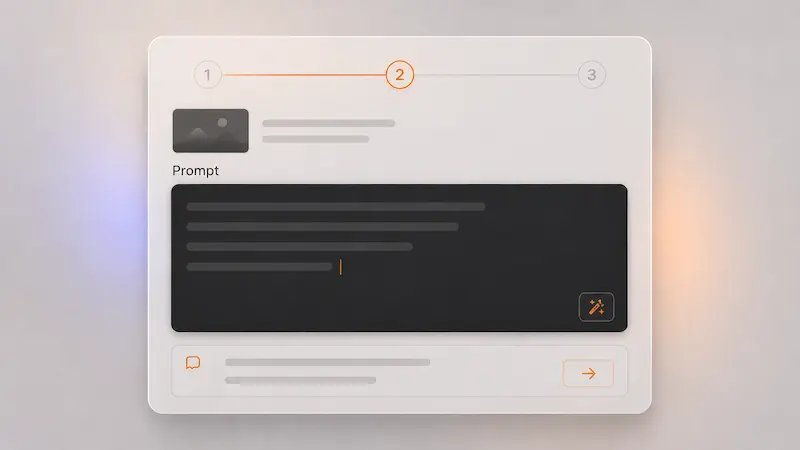
Write a clear request such as replacing the background, removing a distraction, changing colors, improving lighting, or restyling the image for a different mood or campaign.
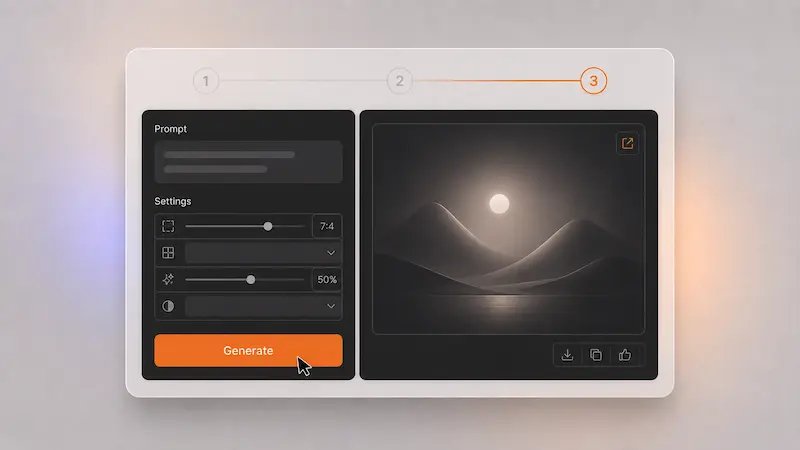
If one area still needs work, use the AI image editor again for a more focused update. Clean up small details, try another style direction, or improve a local area while keeping the rest of the image stable.
Quick answers about using an AI image editor for everyday image editing tasks
An AI image editor is a tool that helps you change or improve an existing image with simple instructions. Many people use an AI image editor to remove distractions, replace backgrounds, update colors, restyle photos, and clean up visuals faster.
You can use this AI image editor to update product photos, social media images, ad creatives, landing page visuals, blog graphics, posters, room shots, and other digital images that need a faster refresh.
No. This AI image editor is built for ordinary internet users, creators, marketers, founders, teachers, and small business owners who want image edits without a complicated learning curve.
Yes. This AI image editor can help you remove distracting elements, replace backgrounds, change objects, or restyle selected parts of an image so the final result feels cleaner and more on target.
Yes. Many people use an AI image editor to give an image a different look, mood, or visual direction while keeping the main subject or overall idea in place.
Yes. An AI image editor can be useful for product visuals, marketing creatives, online store images, branded social content, and other business materials that need quick updates and cleaner presentation.
No. A good AI image editor helps you make targeted updates so you can keep the composition, subject, or layout you already like while improving only the part that needs attention.
For many everyday edits, an AI image editor can feel faster and easier. It helps reduce repetitive steps, lowers the effort needed for common changes, and gets you closer to a usable result with less friction.
Use this AI image editor to improve photos, update visuals, and make cleaner image changes with less effort across social, product, and marketing content.
No credit card required