
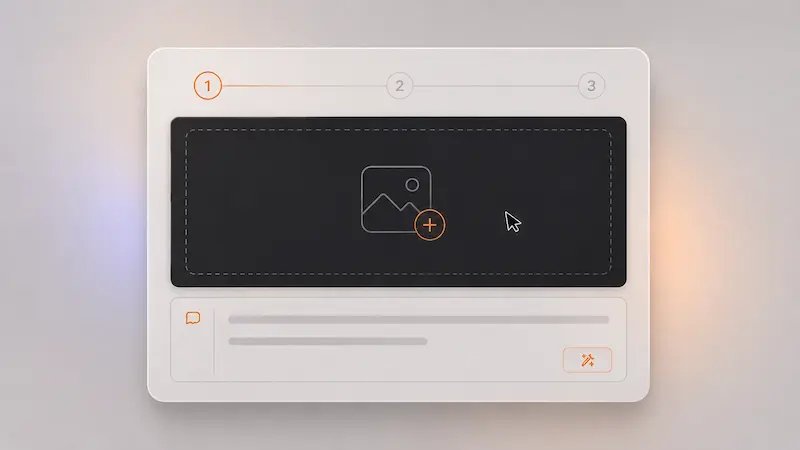
Start with any image
Upload a photo or visual reference that gives AI Image To Image a strong starting point for transformation.
Practical benefits that make image transformation faster, easier, and more rewarding.
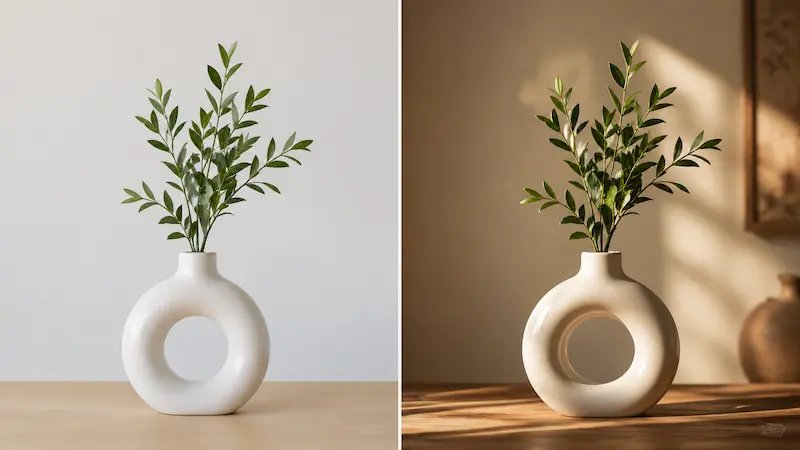
Use AI Image To Image to quickly refresh visuals, change style, or create new variations without rebuilding from scratch.
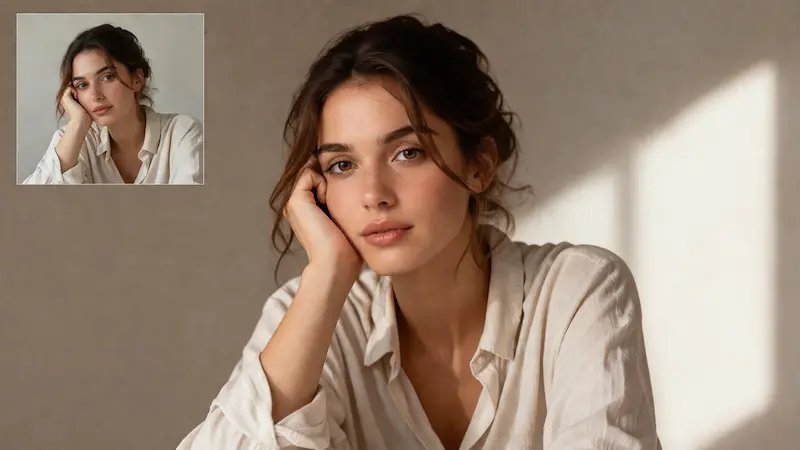
Start from a real image reference, making it easier to steer the result toward the look, mood, or direction you want.
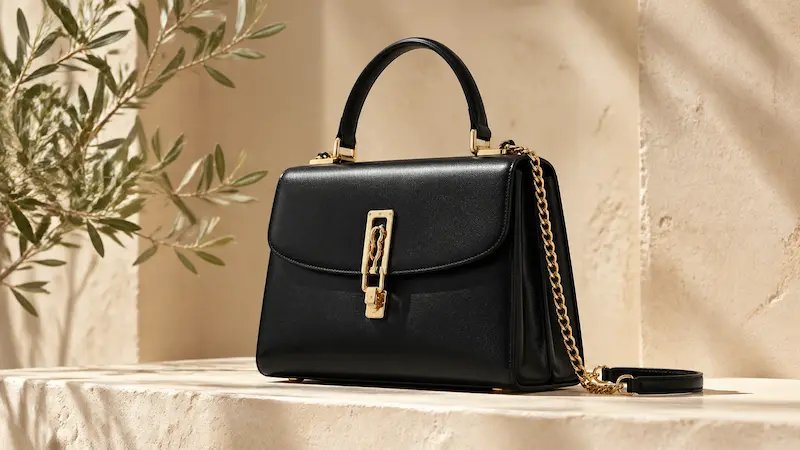
Produce stronger visuals for ads, product pages, social posts, and creative campaigns without long editing workflows.
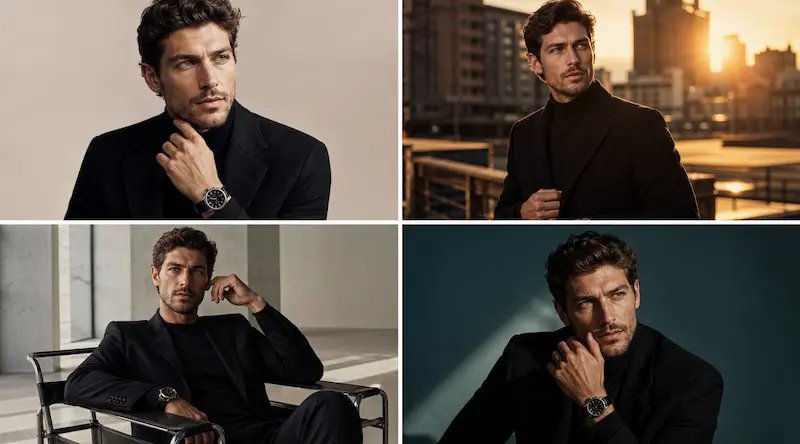
Test more ideas, compare styles quickly, and explore visual directions freely before committing to a final result.
From upload to finished result, the workflow is quick, flexible, and beginner-friendly.
Upload a photo or visual reference that gives AI Image To Image a strong starting point for transformation.
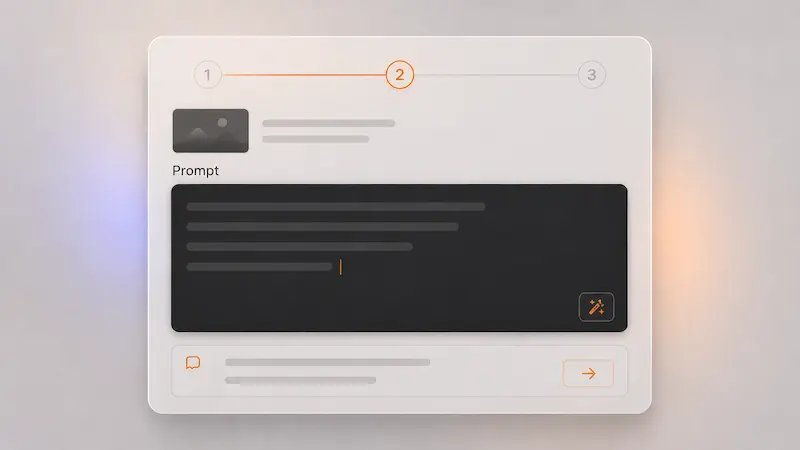
Mention what you want changed—style, colors, background, lighting, or overall feel—to guide the result more clearly.
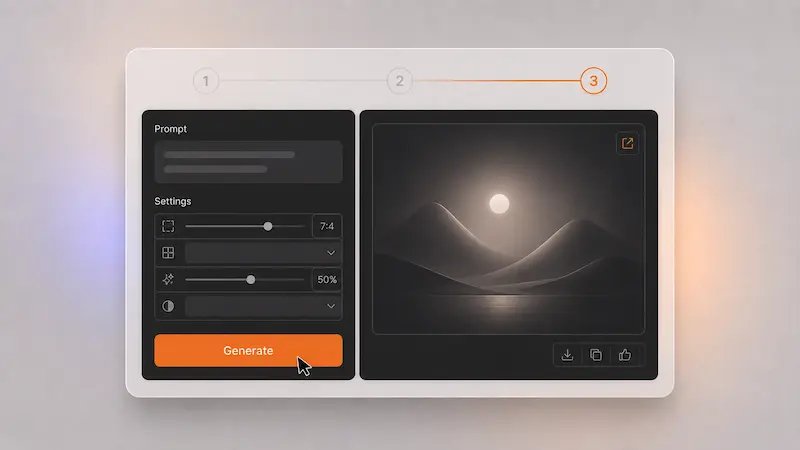
Pick your favorite variation, make small adjustments if needed, and use it for content, branding, or creative work.
Quick answers to help you get started
AI Image To Image is a tool that transforms an existing image into a new version based on your instructions, helping you restyle, improve, or creatively change visuals faster.
It is useful for creators, marketers, designers, founders, ecommerce sellers, and anyone who wants better visuals without a heavy editing workflow.
You can transform product photos, illustrations, social content, concept art, branded visuals, room shots, posters, and many other image types.
No. AI Image To Image is beginner-friendly and works with simple prompts, making image transformation much easier for everyday users.
Yes. AI Image To Image can help create realistic-looking variations, polished product visuals, and natural creative transformations.
Yes. You can explore realistic photography, illustration, cinematic looks, minimal design, and many other creative directions.
Yes. Many users create product visuals, ad creatives, branded content, and marketing assets faster with AI Image To Image.
Usage depends on your plan and platform terms, but AI Image To Image is commonly used for business, content, and commercial creative work.
Transform existing images into polished, creative visuals that feel more aligned with your ideas, your brand, and what you want to share.
No credit card required