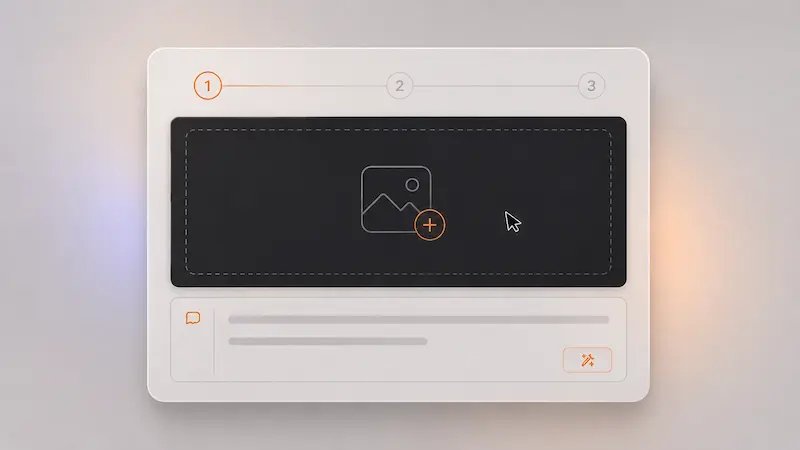
Start with an idea or reference
Use a prompt to generate a new image or upload an existing one to guide GPT Image 2 toward a specific direction.
Practical features that make GPT Image 2 useful for real-world image creation and editing.
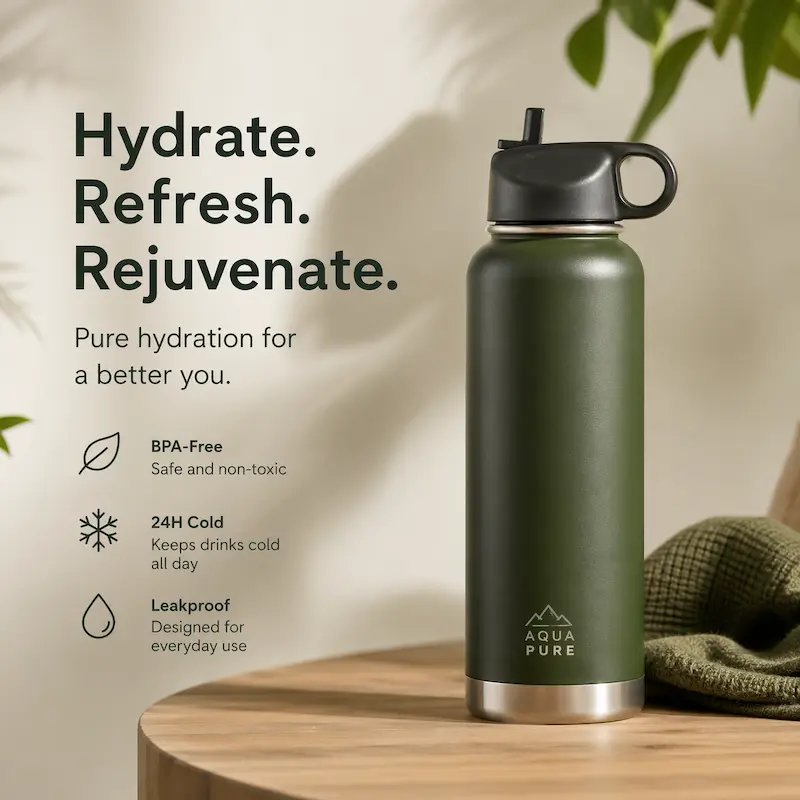
Generate visuals with more natural lighting, better detail, and realistic composition, so your images feel closer to something you can actually publish.
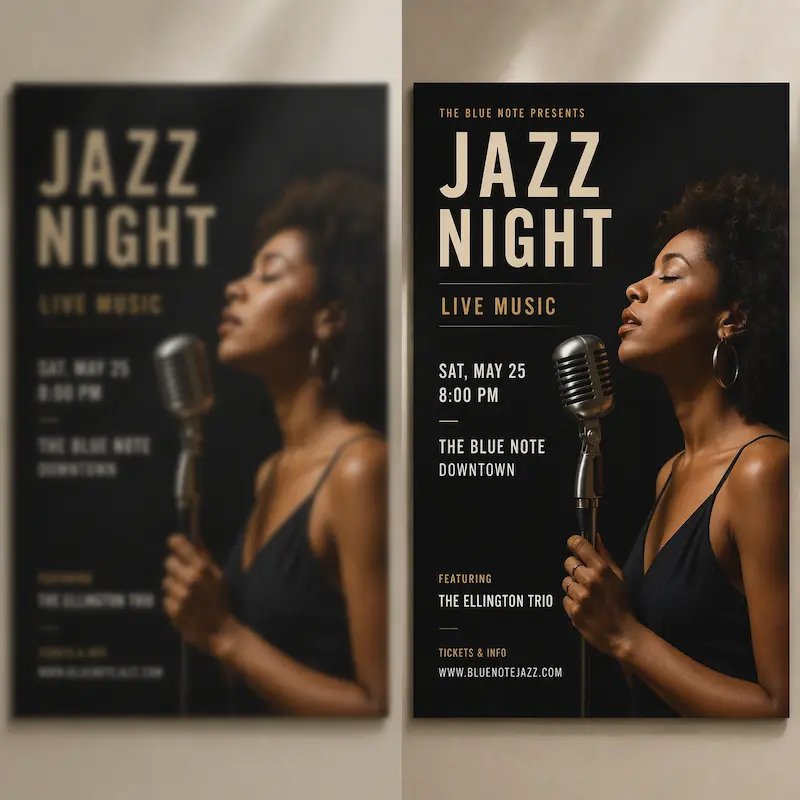
Create posters, UI screens, and graphics where text stays clear and readable, even in structured layouts or small details.
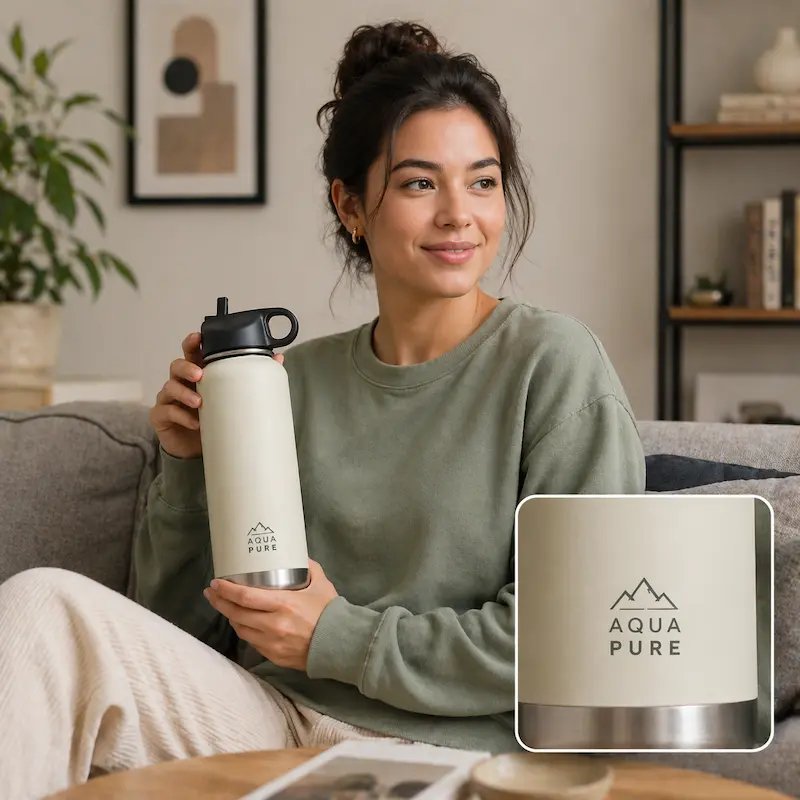
Adjust one part of your image, like replacing a background or fixing a label, while keeping everything else consistent.
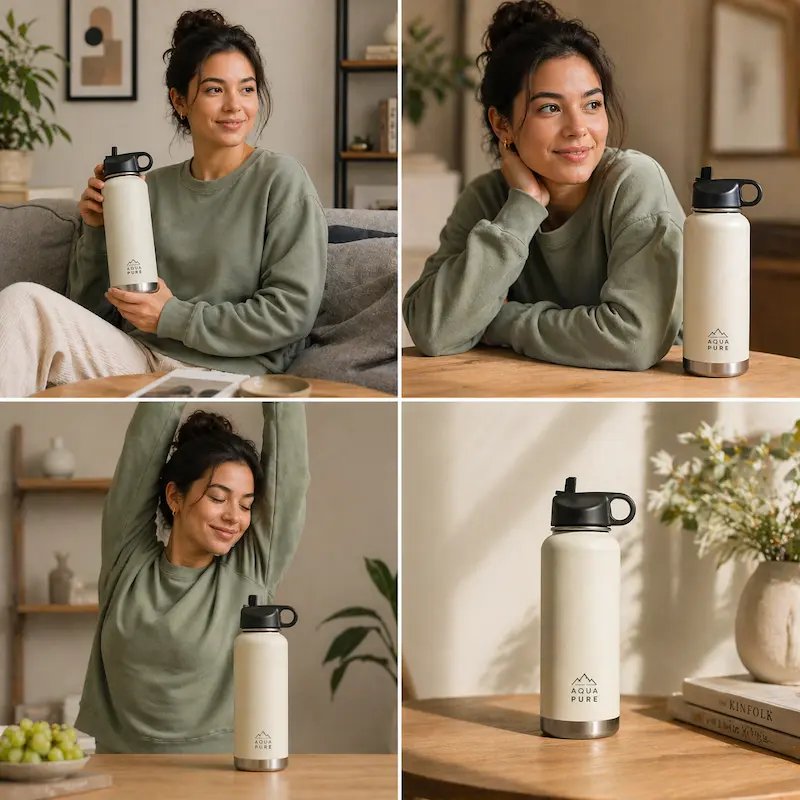
Create multiple images that keep the same subject, style, and layout direction, making it easier to build content series or campaigns.
Follow these simple steps to go from idea to a clean, usable image.
Use a prompt to generate a new image or upload an existing one to guide GPT Image 2 toward a specific direction.
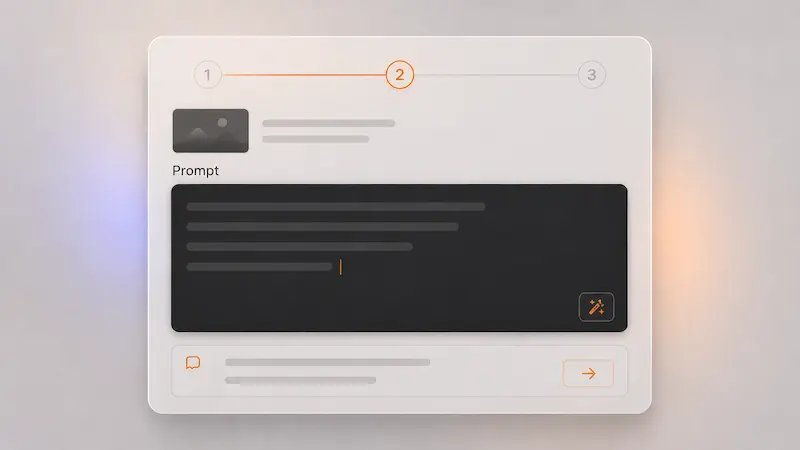
Mention the subject, layout, style, and any text you want included. GPT Image 2 is especially strong at handling structured visuals and readable text.
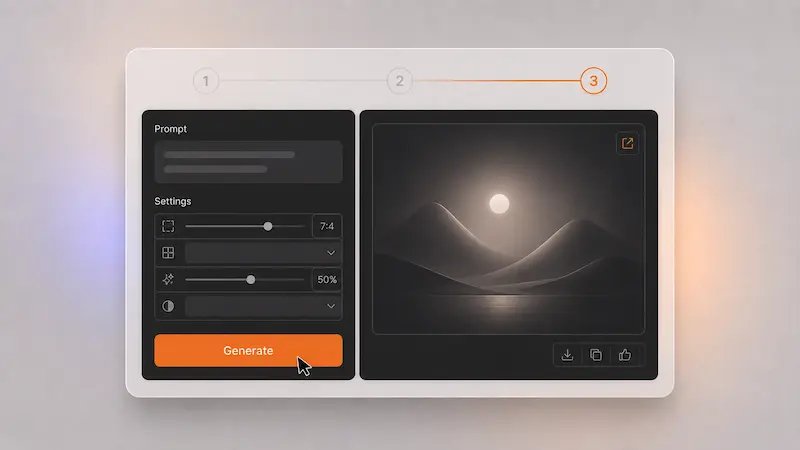
Pick your best result, refine specific elements, and export an image that feels ready for real use.
Quick answers to help you get started
GPT Image 2 is OpenAI’s latest image generation and editing model. It allows you to create images from text, edit existing visuals, and generate consistent results across multiple outputs.
GPT Image 2 improves how closely images follow your instructions, produces more readable text, and keeps visual details more consistent across multiple outputs.
Yes. You can upload an image and make targeted edits like changing text, replacing objects, or adjusting styles without recreating everything.
You can create social media visuals, product images, posters, UI mockups, concept art, and more, all from simple prompts.
Yes. GPT Image 2 is designed to handle text more accurately inside visuals, making it useful for posters, labels, and structured graphics.
Yes. GPT Image 2 can generate multiple images that keep similar characters, styles, and layouts, making it useful for series or campaigns.
Yes. You can start with a simple prompt, review results quickly, and refine only what you need without advanced design skills.
Yes. Many users create marketing visuals, product images, and content for business use. Check your plan for specific usage terms.
Use GPT Image 2 to turn ideas into realistic images, refine details quickly, and create visuals you can actually use for content, products, and projects.
No credit card required