AI Text To Image
Create Beautiful Images from Simple Text Prompts
What AI Text To Image Helps You Do
Practical benefits that make visual creation faster, easier, and more enjoyable.
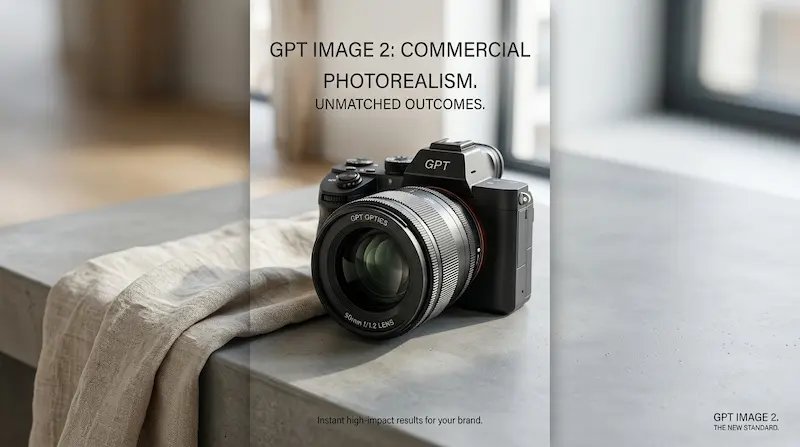
Create Images from Simple Descriptions
Turn short text prompts into detailed visuals without complex tools, making creative work feel more accessible and effortless.
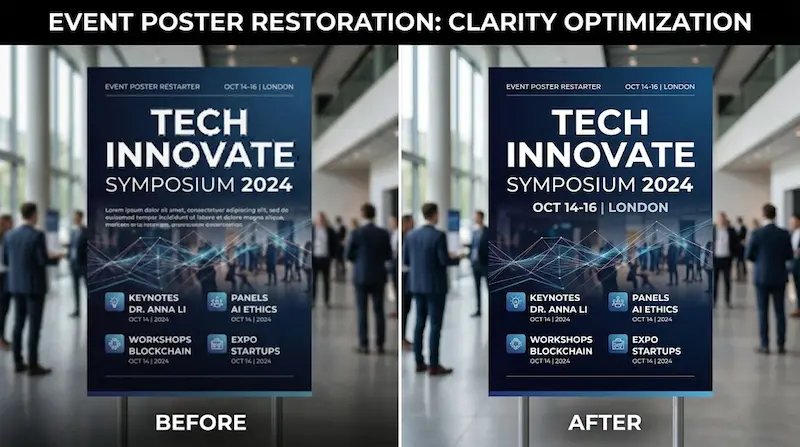
Explore Different Visual Styles Quickly
Try realistic, artistic, cinematic, playful, or branded looks in minutes, so you can find the right visual direction faster.

Make Content Faster for Real Use
Create images for posts, ads, landing pages, presentations, and campaigns without waiting on long design workflows.
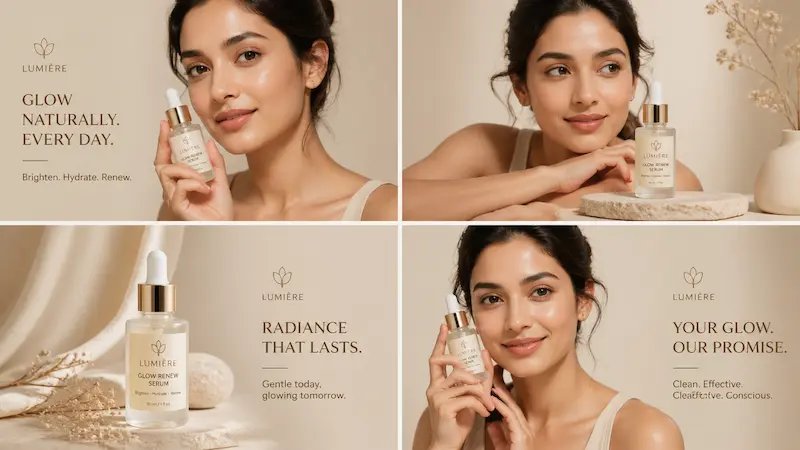
Bring More Ideas to Life
Experiment freely, test concepts quickly, and turn rough ideas into visuals you can refine, share, or build on right away.
How to Use AI Text To Image
From idea to finished visual, the workflow is quick and beginner-friendly.
Start with a simple prompt
Describe what you want to see in natural language, whether it's realistic, artistic, playful, or highly styled.
Add key details for better results
Mention the subject, setting, lighting, colors, or composition to help AI Text To Image understand your direction more clearly.
Generate, refine, and export
Pick the image you like most, adjust as needed, and use it for content, branding, inspiration, or creative work.
Why People Use AI Text To Image
- Turn Ideas into Images Fast
- Skip complicated design steps and quickly create visuals from a simple idea, whether for work, content, or personal projects.
- Explore More Creative Directions
- Generate multiple looks, styles, and compositions in minutes, making it easier to discover visuals you may not have imagined on your own.
- Create Content Without Design Skills
- Make eye-catching visuals for posts, ads, websites, and presentations without needing advanced creative tools or editing experience.
- Save Time on Visual Creation
- Spend less time searching for stock images or building designs from scratch, and more time publishing and moving your ideas forward.
AI Text To Image FAQs
Quick answers to help you get started
What is AI Text To Image?
AI Text To Image is a tool that turns written prompts into images. You describe what you want, and it generates visuals based on your idea.
Who is AI Text To Image for?
It is useful for creators, marketers, designers, founders, students, and anyone who wants visual content without spending hours creating it manually.
What kinds of images can I create?
You can create product photos, illustrations, social media content, posters, concept art, brand visuals, and many other creative image types.
Do I need design experience?
No. AI Text To Image is beginner-friendly and works well with simple prompts, making image creation easier for everyday users.
Can I create realistic images?
Yes. AI Text To Image can generate realistic-looking visuals, lifestyle photos, product shots, and polished creative imagery from text prompts.
Can I try different styles?
Yes. You can explore styles like realistic photography, illustration, cinematic visuals, minimal design, and many other creative directions.
Is AI Text To Image useful for business content?
Yes. Many users create marketing visuals, product graphics, social media content, and branded creative assets using AI Text To Image.
Can I use generated images commercially?
Usage depends on your plan and platform terms, but AI Text To Image is commonly used for business, content, and commercial creative work.
Start Creating with AI Text To Image
Turn simple words into visuals that look polished, creative, and ready to use for content, branding, projects, and ideas worth sharing.
No credit card required